Download App to Unlock More Benefits.
SMART. SMOOTH. EASE.
Enhanced Aesthetics, Seamless Performance, and Intelligent AI.
THE LIGHT INSPIRED NEW DESIGN
LIGHT GLASS DESIGN
FLUID LIGHT, TRANSPARENT VIEW
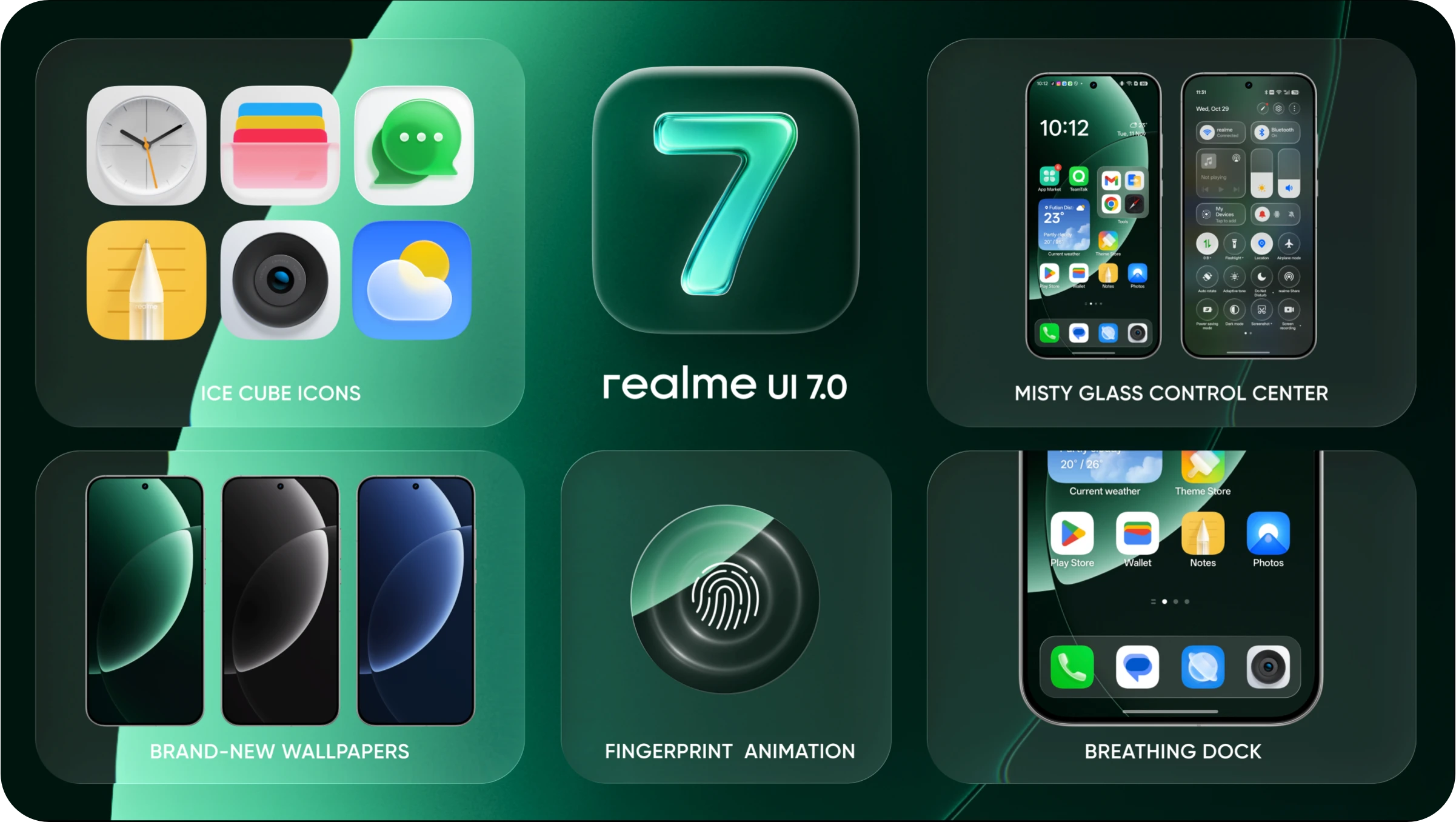
realme UI 7.0 introduces a new material design inspired by the interplay of light and shadow, giving the interface a more premium and three-dimensional look. By utilizing high transparency and soft blur layers, it establishes a clear information hierarchy, delivering a clean and airy visual experience.
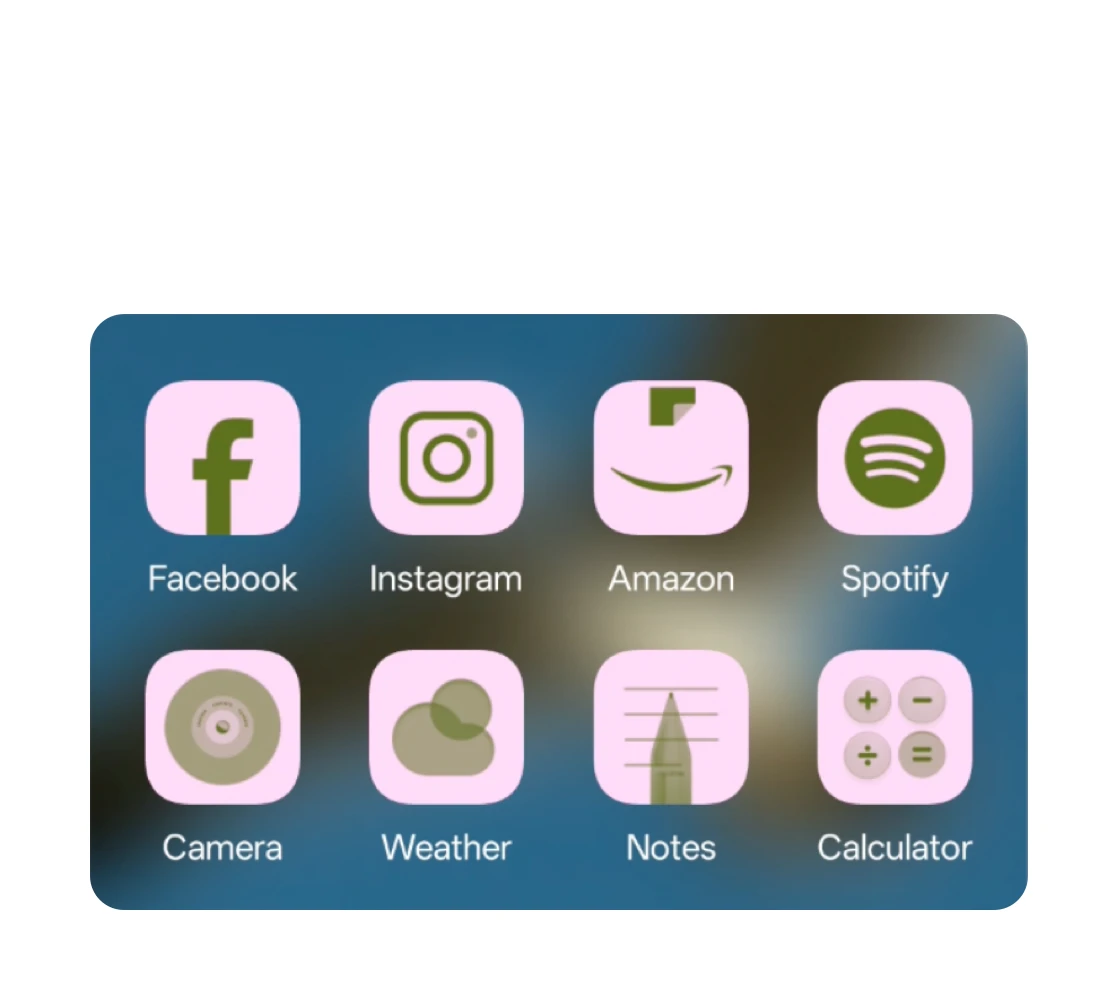
ICE CUBE ICONS
Evolving from flat design, our new icons feature an airy transparency and a subtle depth that makes them feel more tactile and alive.
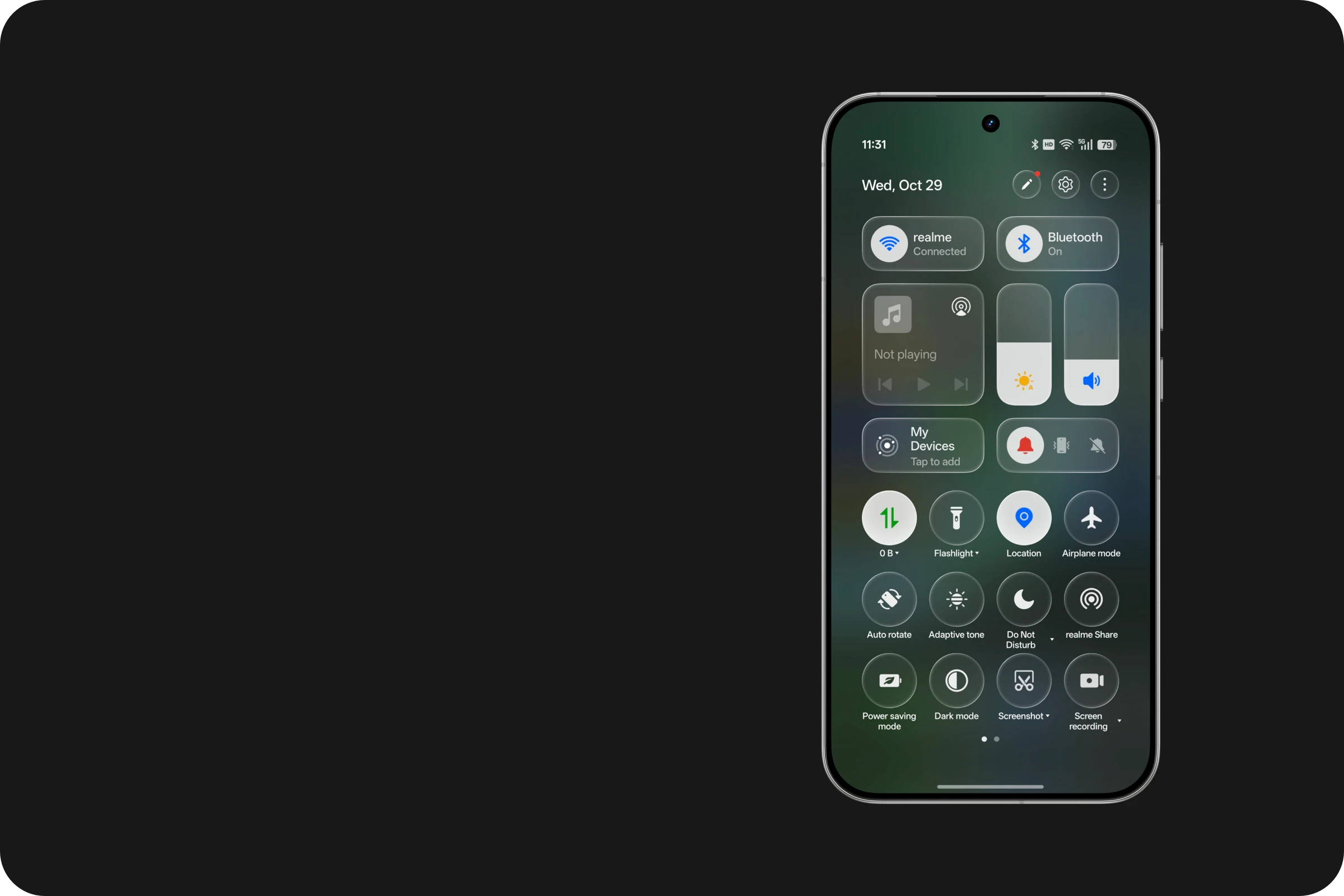
MISTY GLASS CONTROL CENTER
A frosted glass effect has been added to the Control Center's background.
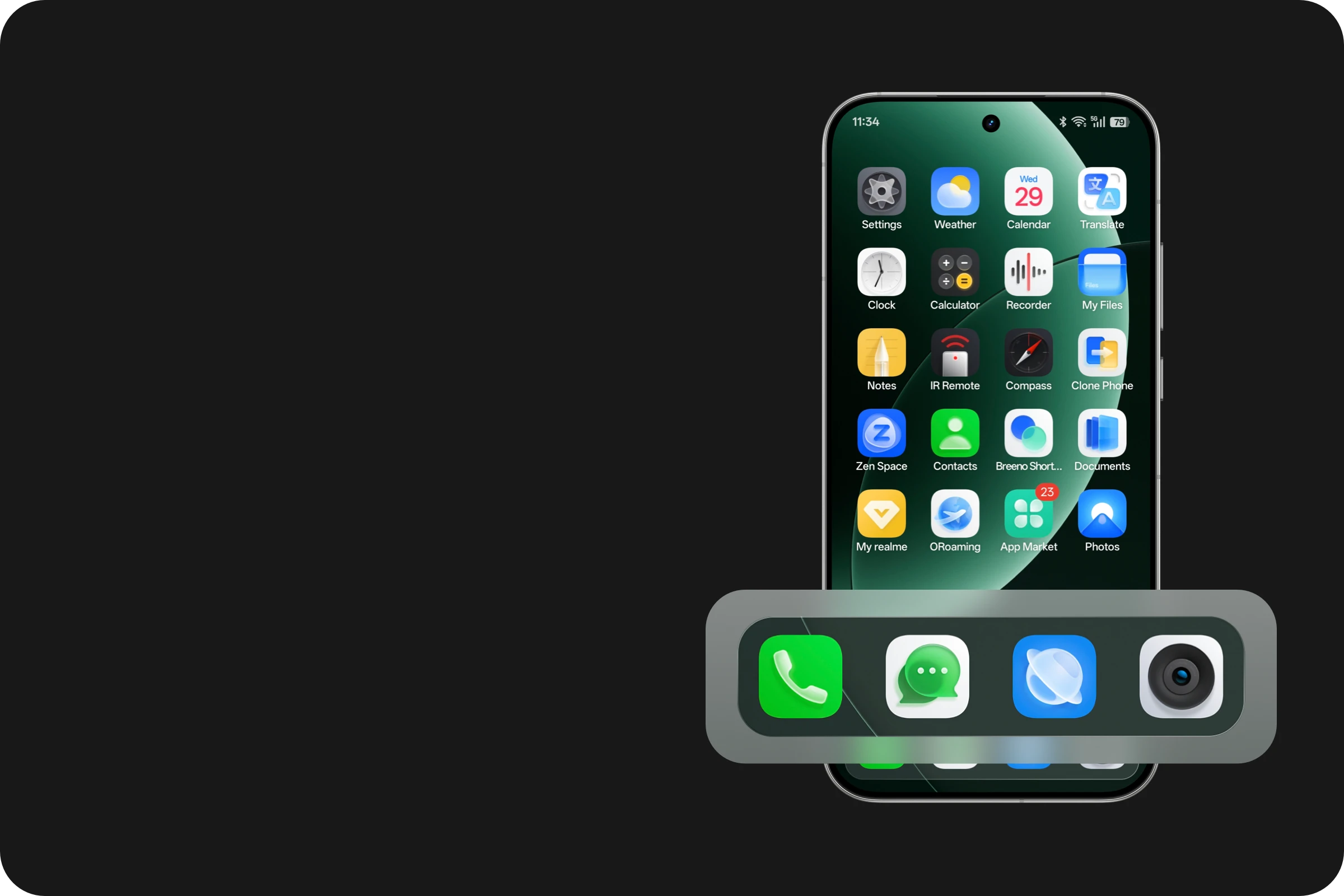
BREATHING DOCK
The dock layout has been optimized to improve the clarity and readability of the interface structure.
Long press to run app in the background
Run two high loads apps simultaneously for one hour
No need to keep the game open to update
The game can continue running in the background without disconnecting.
Watching a TV show during a meeting
MULTI-TASK SIDE BAR
Maximum 12 apps can be hang on the side bar
MULTI-TASK SIDE BAR
realme now breaks down the barriers to Apple's ecosystem, achieving seamless connectivity across phones, tablets and computers. Everything feels more in sync, more in flow.
YOUR WORLD CONNECTED
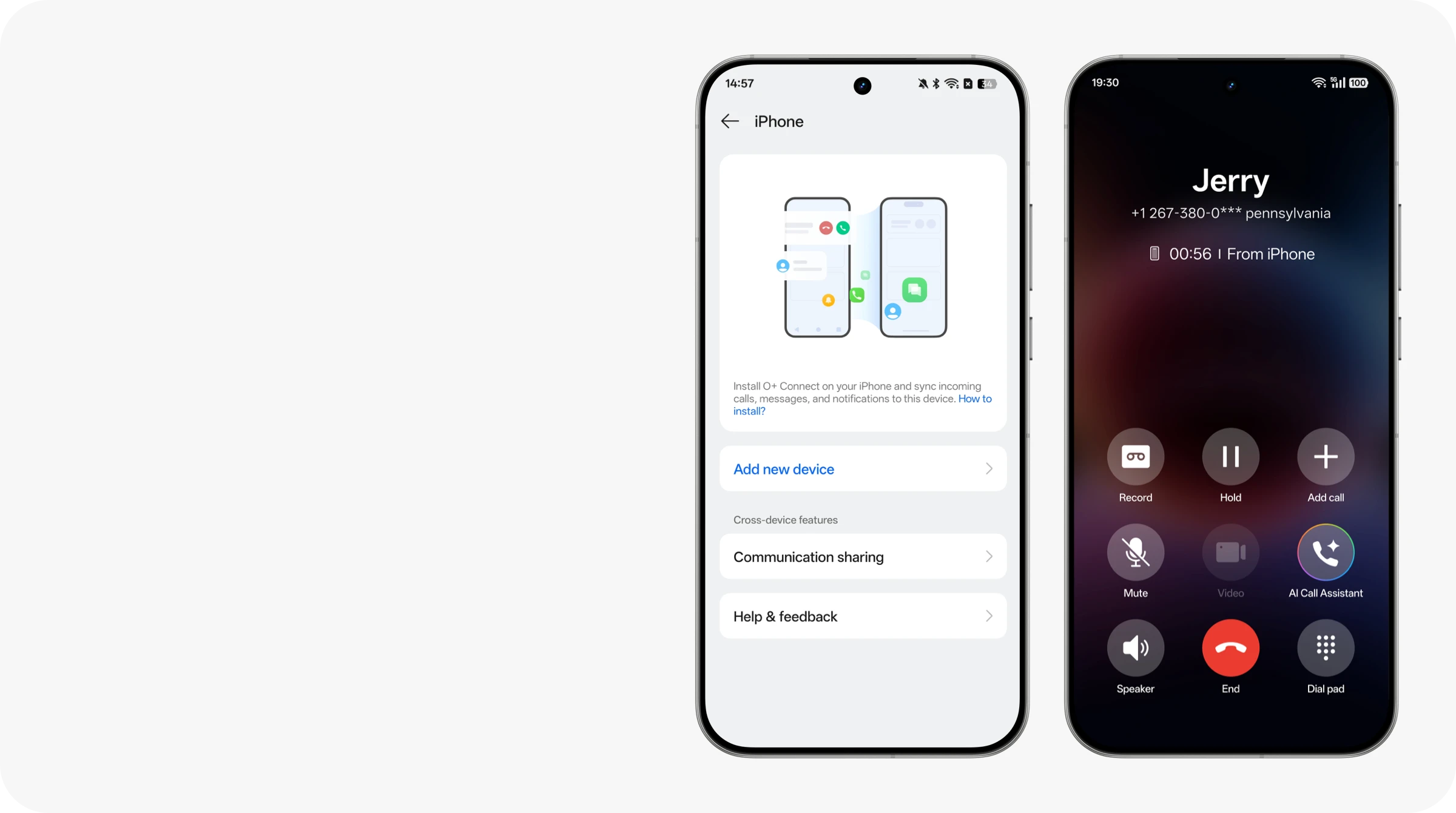
Call and Message Sharing²
Instantly connects your realme and iPhone ecosystems. Answer calls, receive texts and get app notifications in real time—so you never miss a thing.
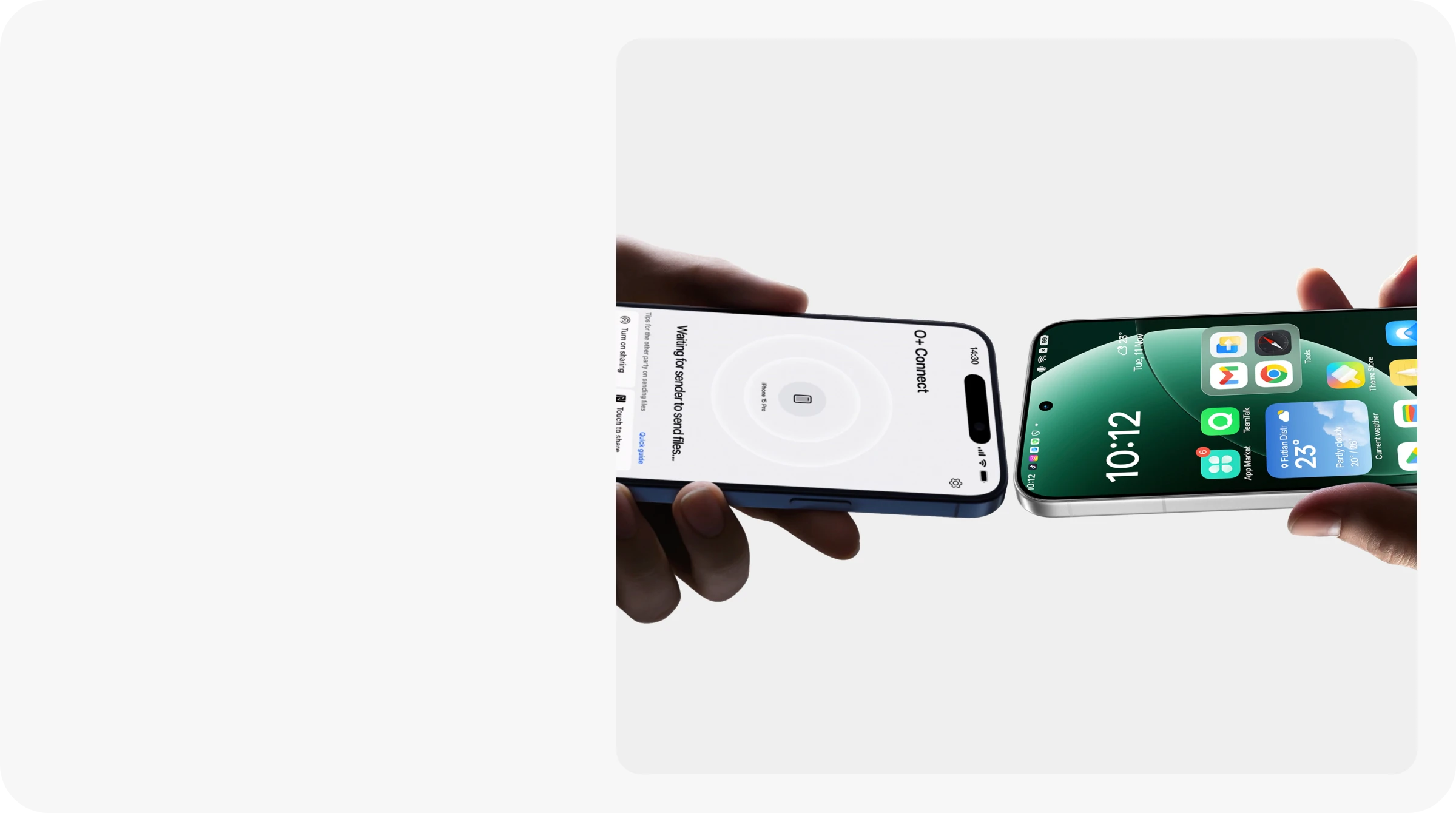
Touch to Share
Seamlessly exchange photos and videos with friends, breaking down barriers and bringing moments closer together.
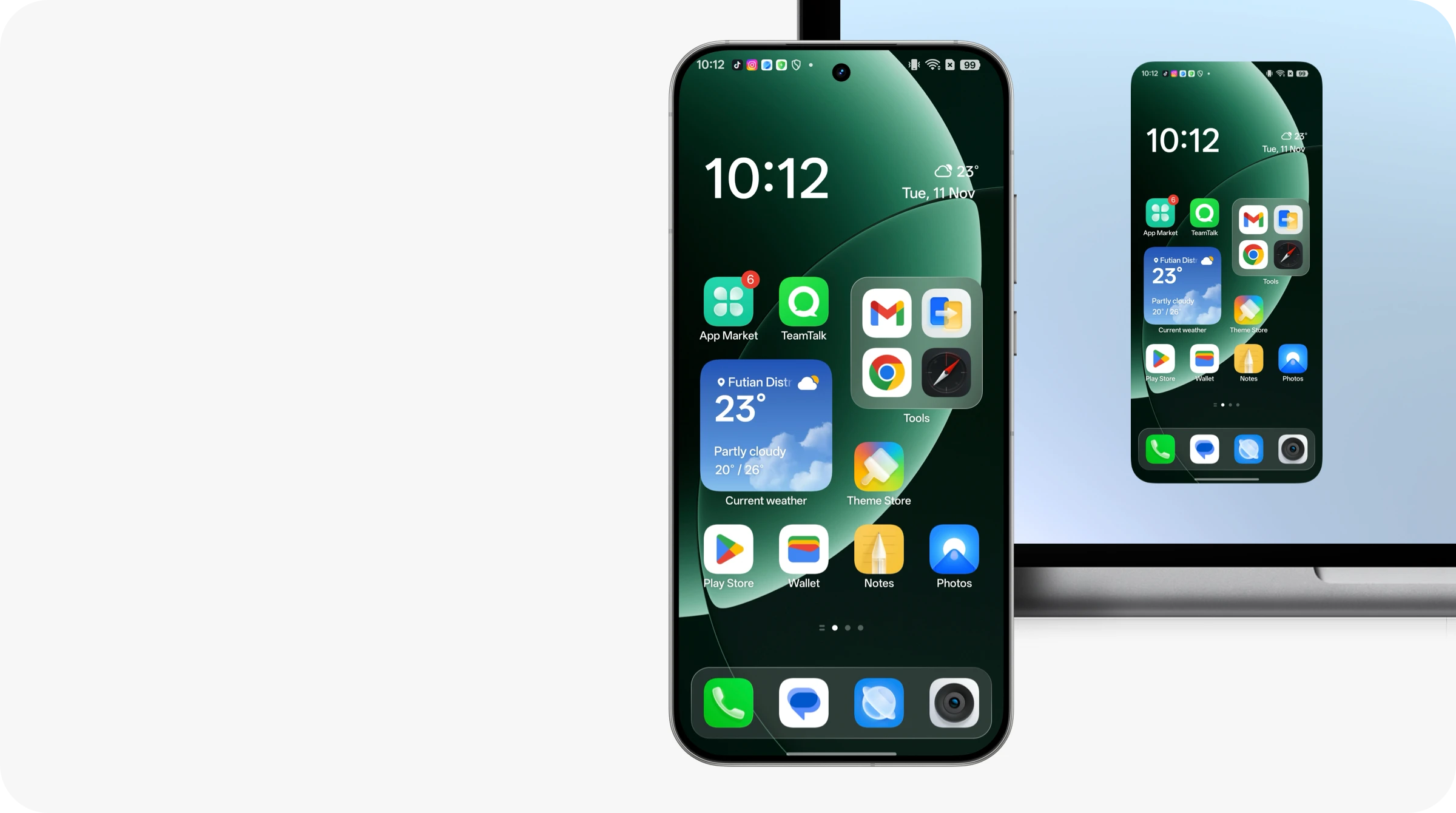
PHONE CONNECT¹
Screen Mirroring
Mirror your phone to your Mac. Launch your phone's apps instantly and use them effortlessly with keyboard shortcuts. Everything right on your Mac, no more back and forth.
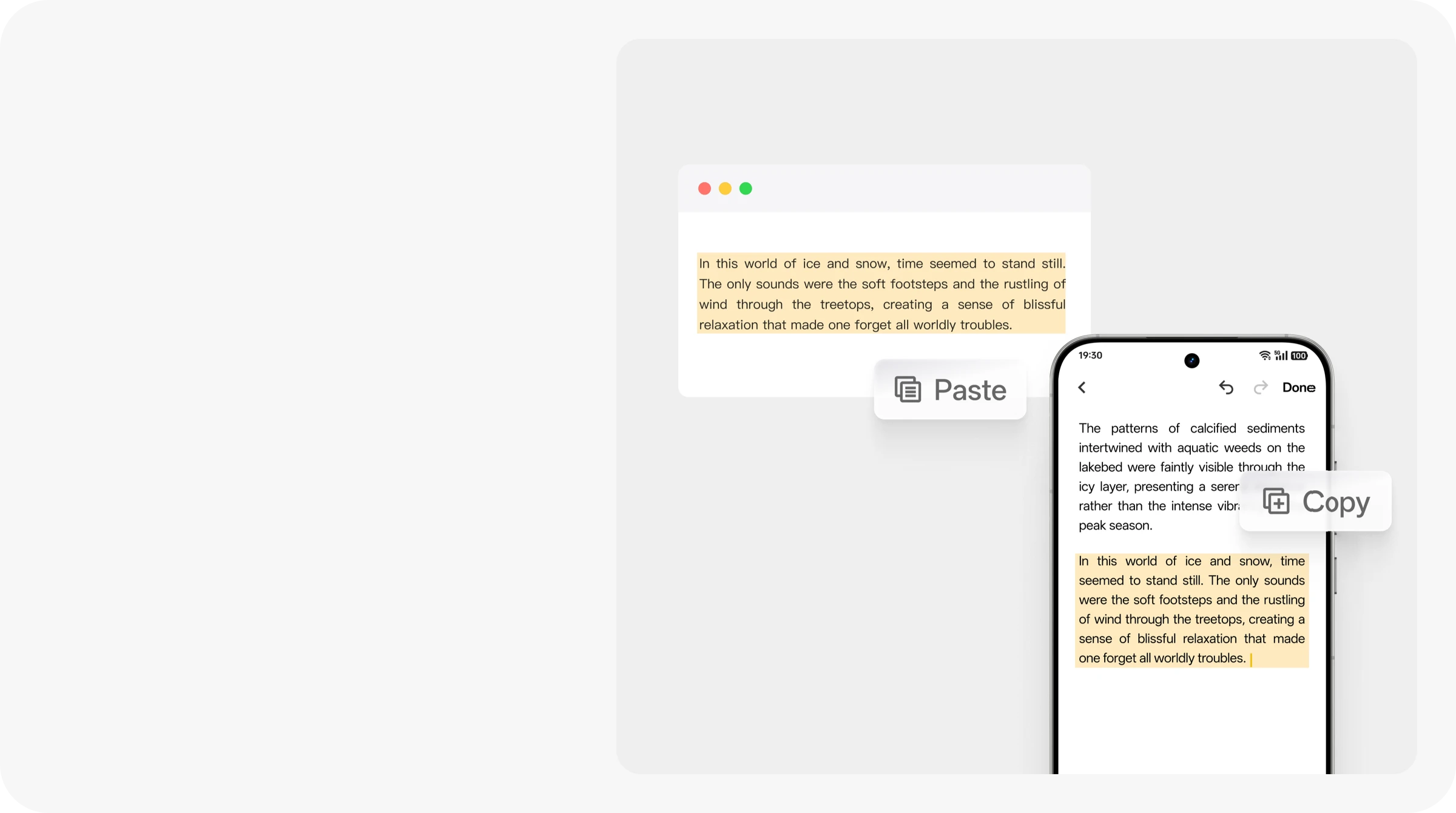
Clipboard Sharing
Capture content on your phone, effortlessly paste it on your Mac. Great for quick notes and login details, you'll never have to retype a thing.
PC CONNECT¹
Smooth with no compromise
realme's first system-level optimization engine
BRAND-NEW FLUX ENGINE³
FLUX ENGINE³
Flux Engine delivers ultra-realistic motion and seamless simultaneous animations, powered by the industry's most comprehensive support for interruptible and parallel effects.
%
Faster daily response
15
%
App scrolling smoother
29
%
Heavy loading apps smoother
22
FLUX ENGINE³
BRAND-NEW FLUX ENGINE³
Seamless performance. Silky Motion.
Flux Animation Framework
realme’s first animation framework
All-scenario seamless experience
Flux Scheduling Algorithm
realme’s first chip-level dynamic frame generation
Stable & smooth gaming experience
Flux Booster
realme’s new editing architecture that enables cross-tier data fusion.
Less frame drops
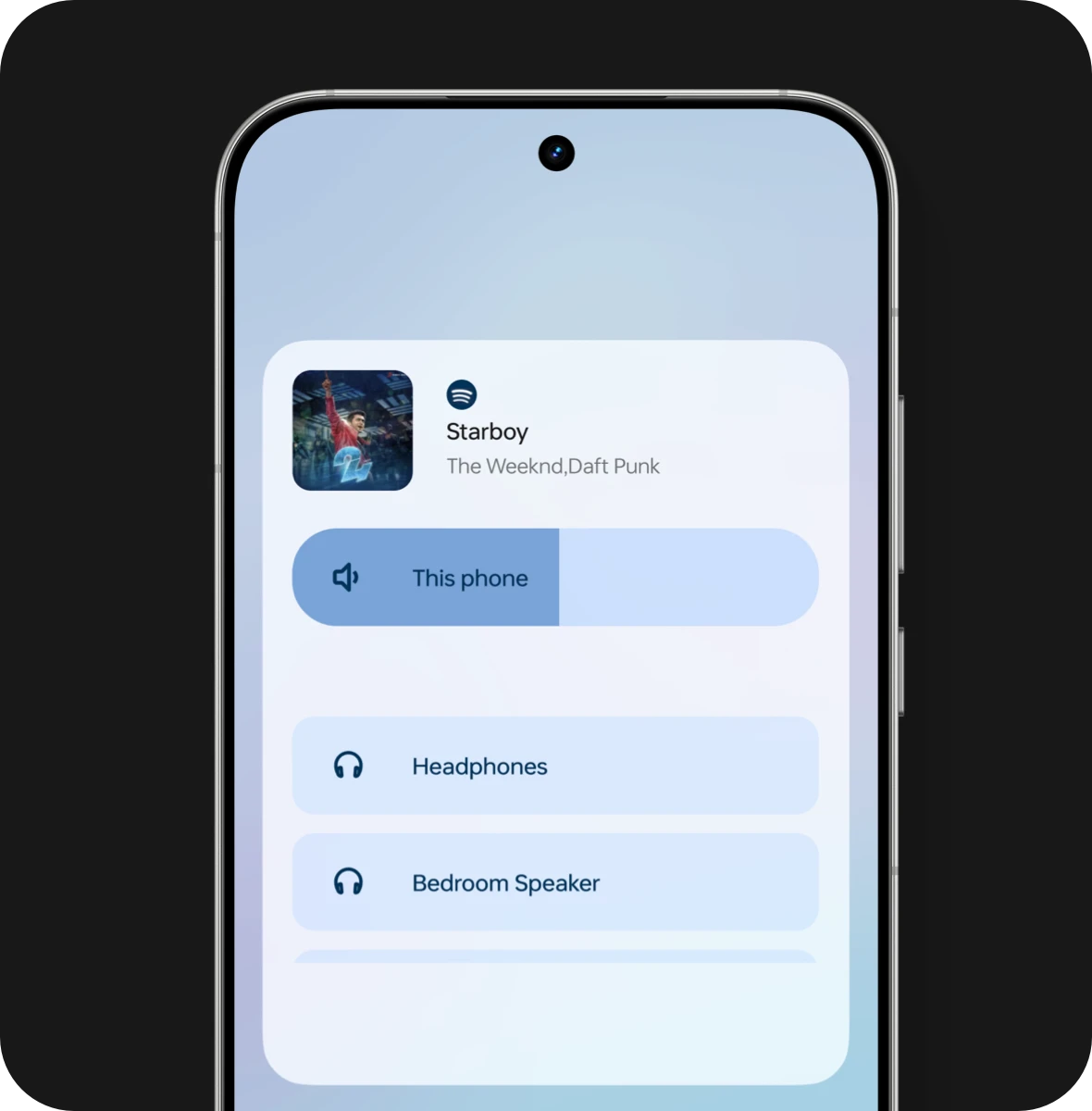
Bluetooth & speaker can do output seperately
SEPARATE AUDIO OUTPUT
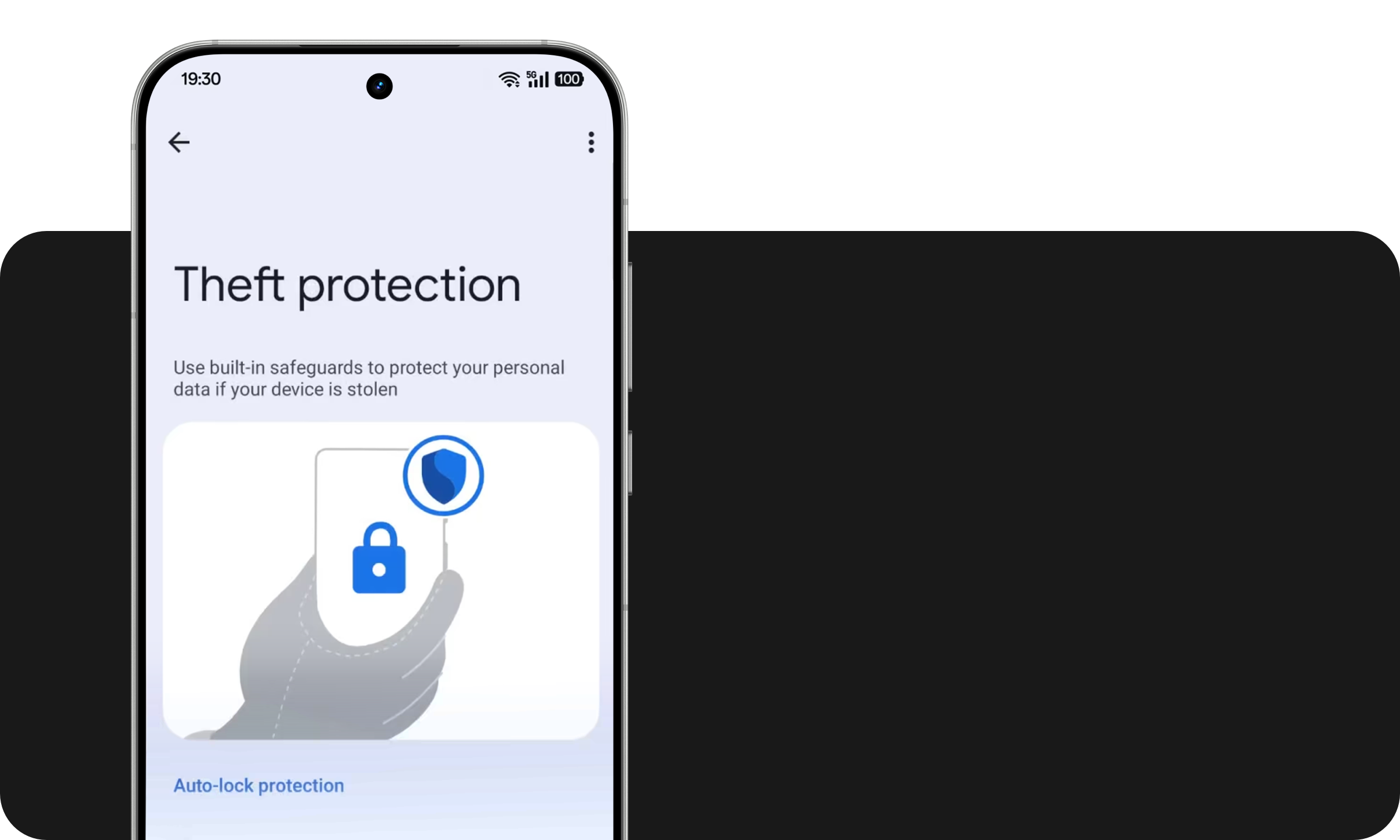
THEFT PROTECTION⁶
Improving basic security protection
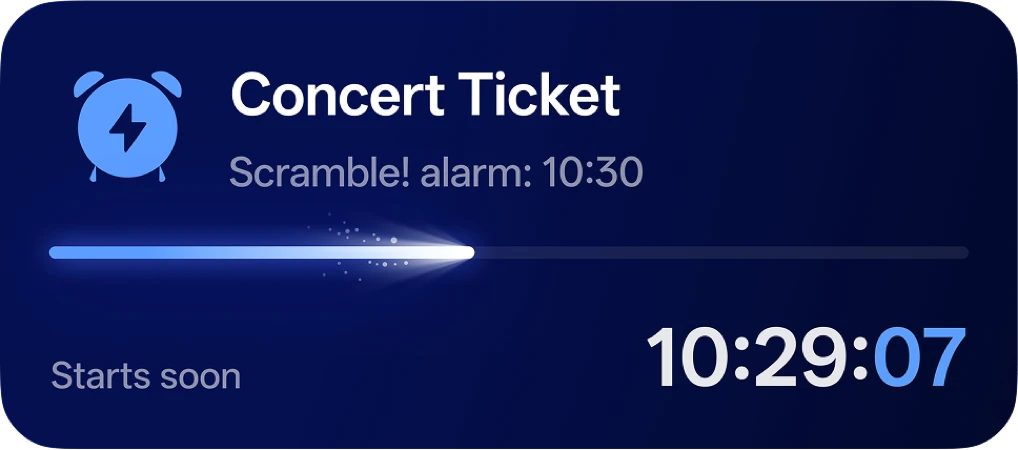
LIVE ALERTS⁷
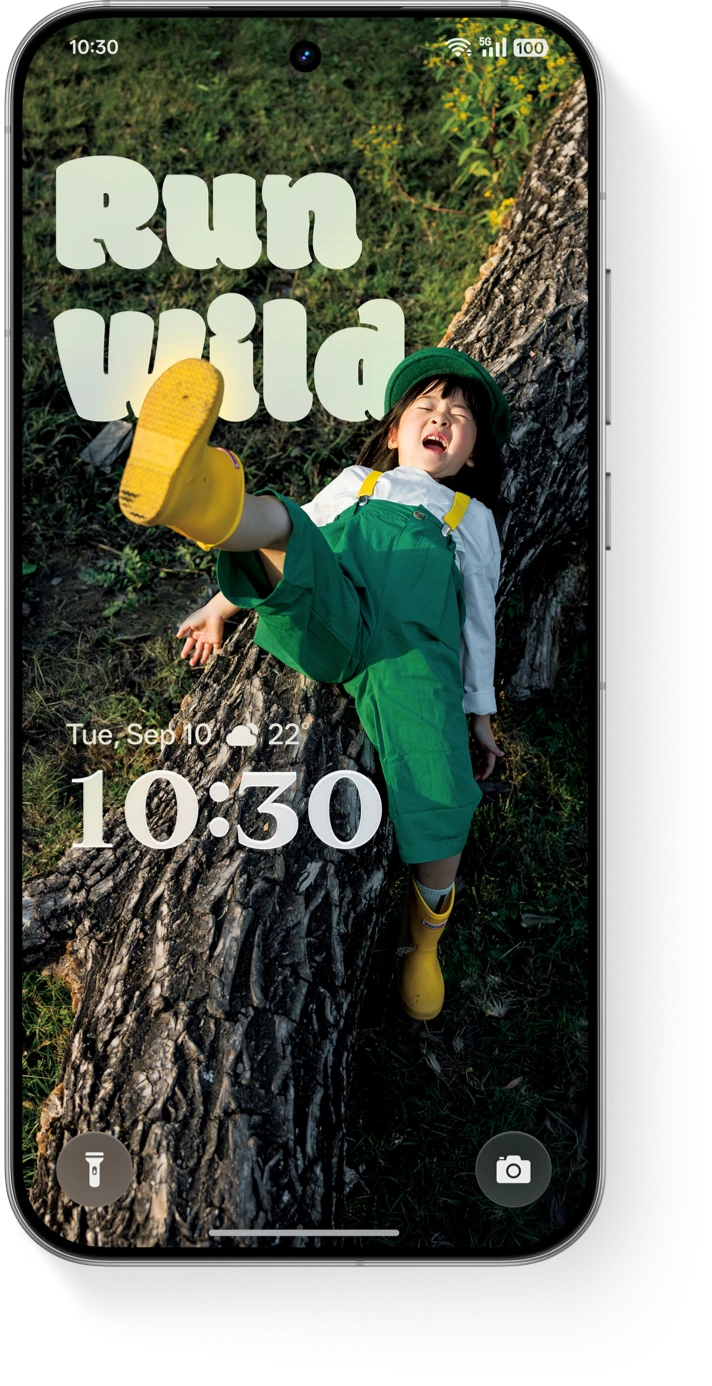
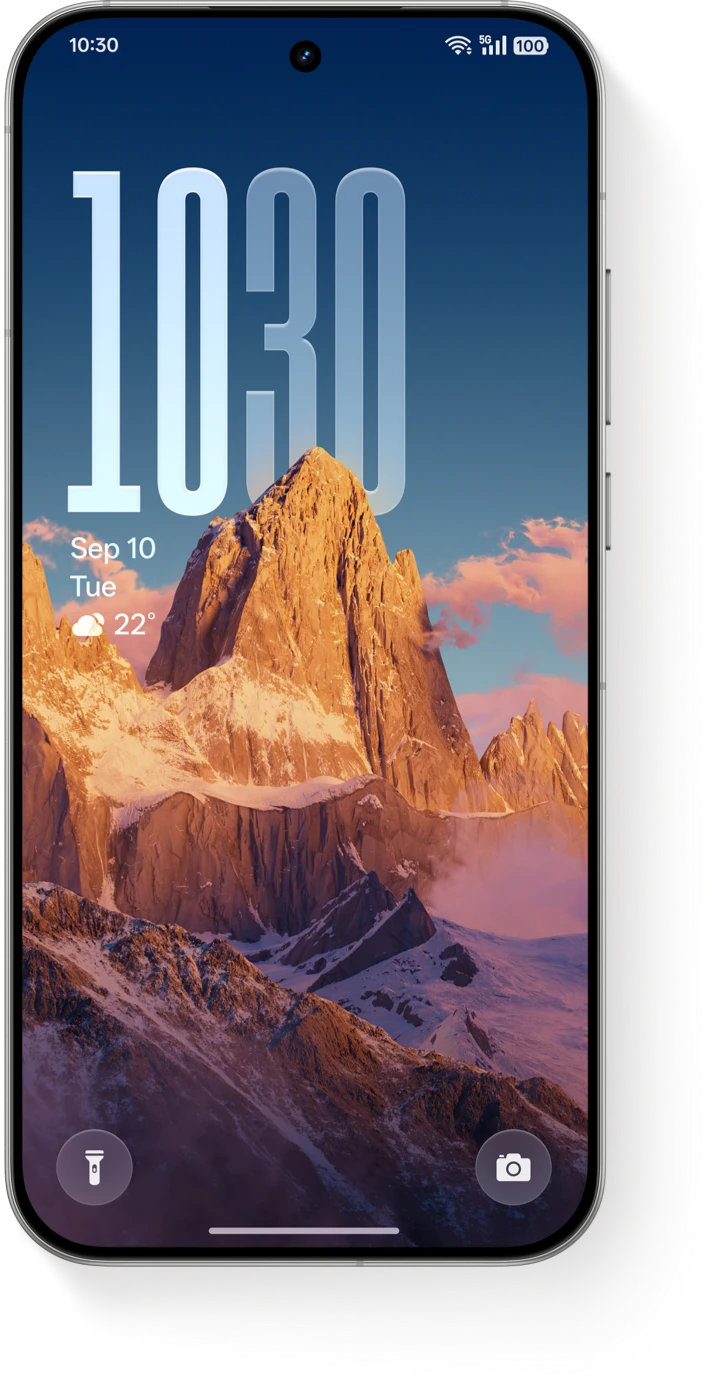
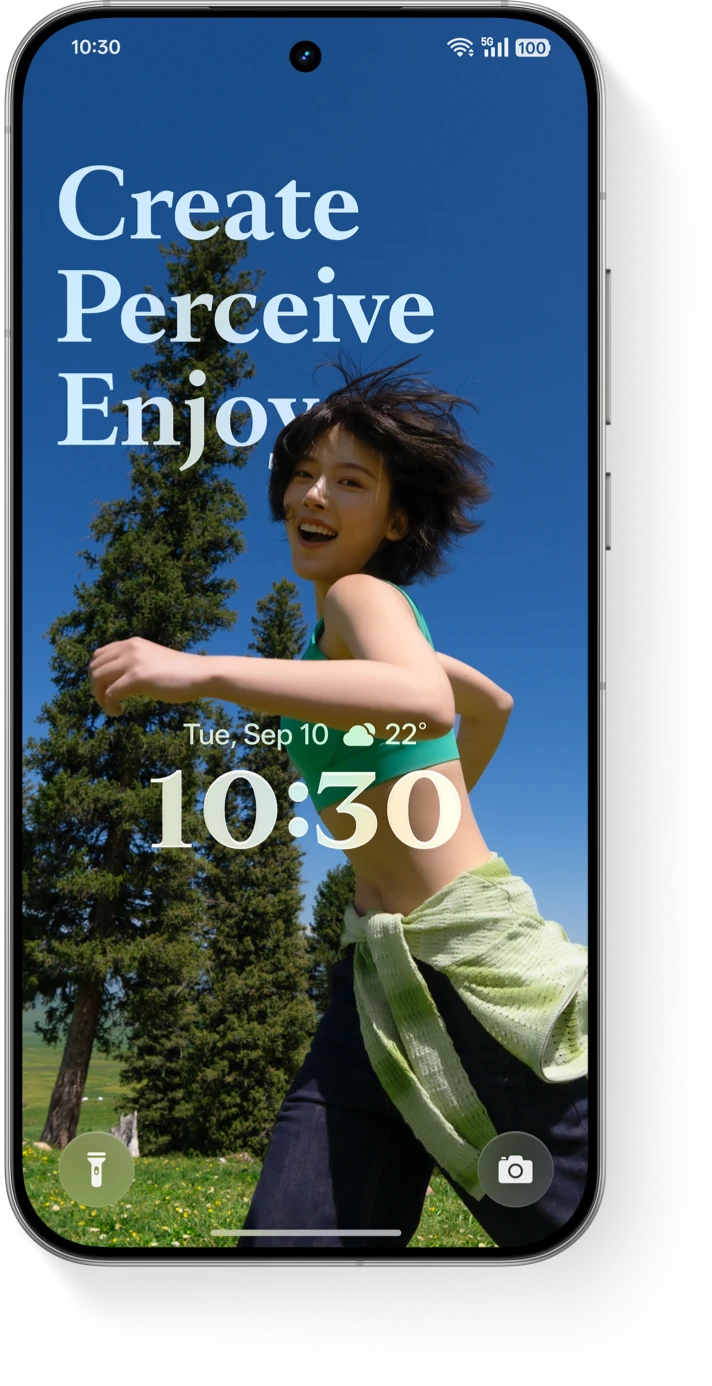
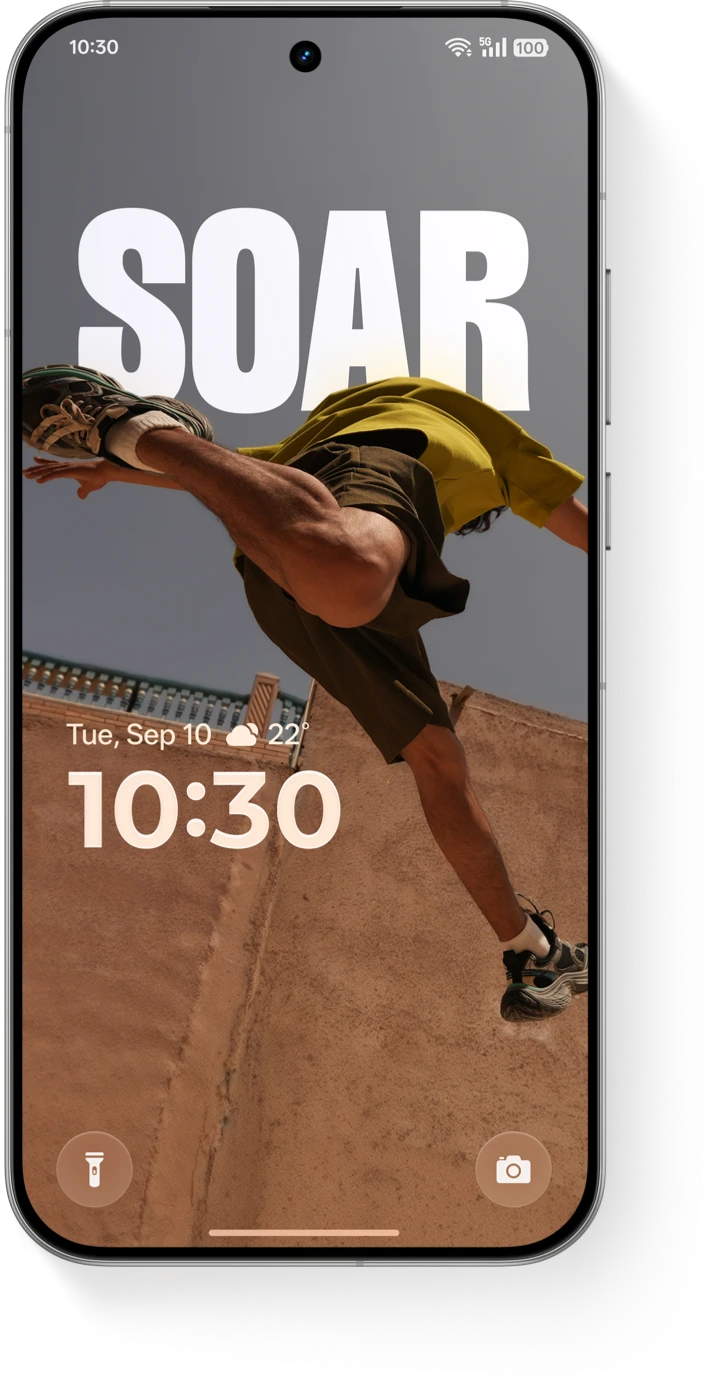
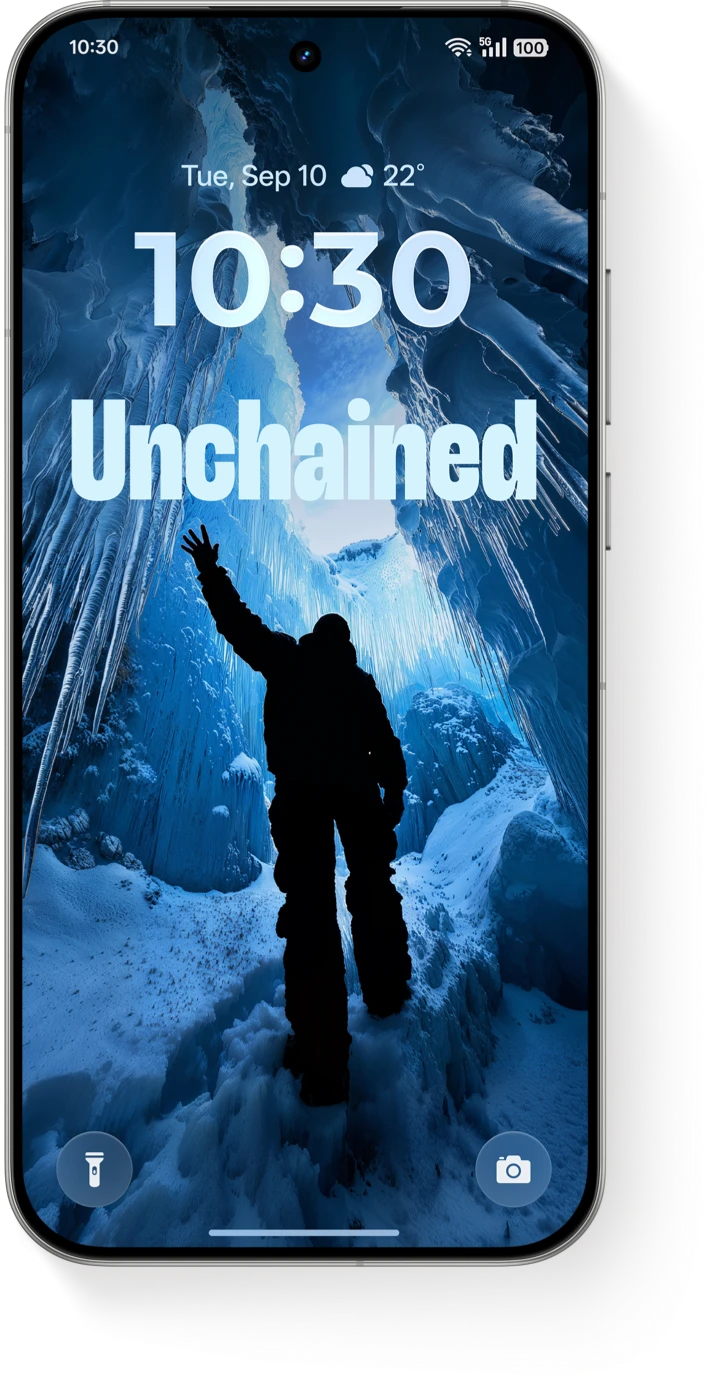
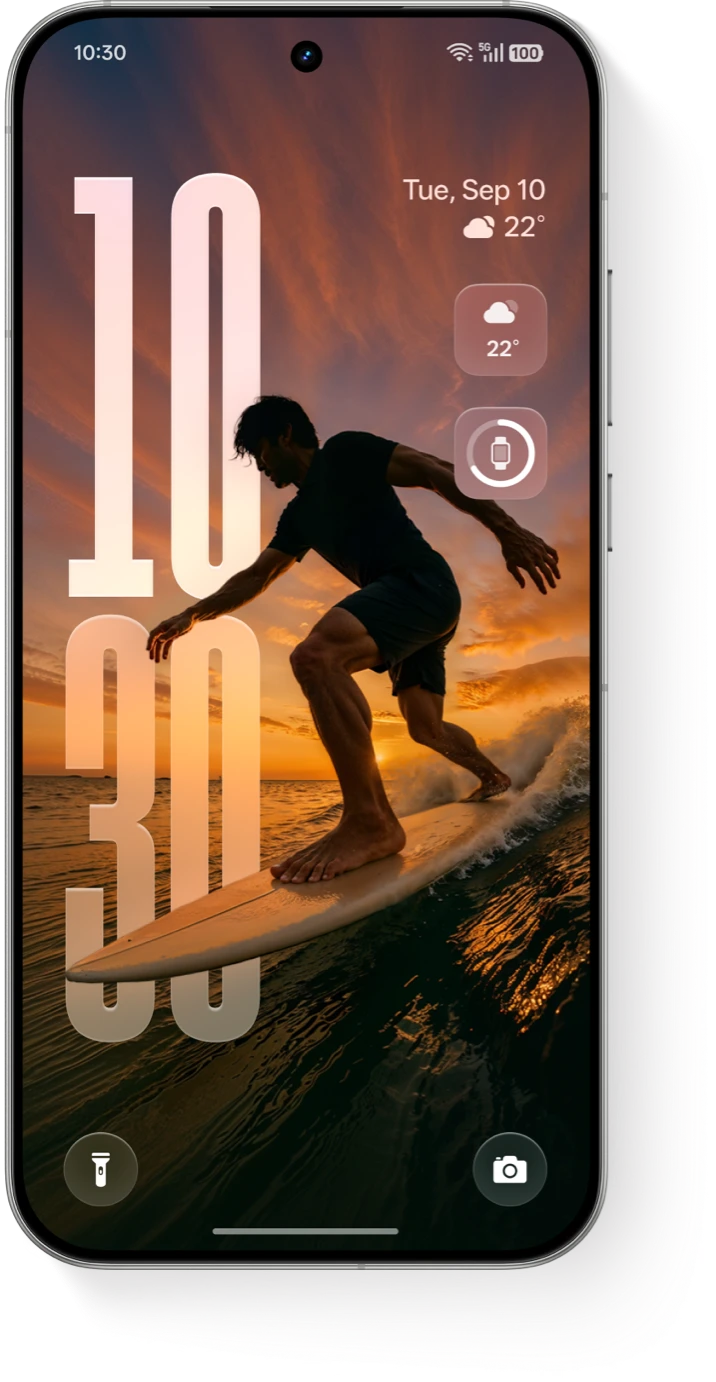
DIY YOUR PERSONAL INTERFACE
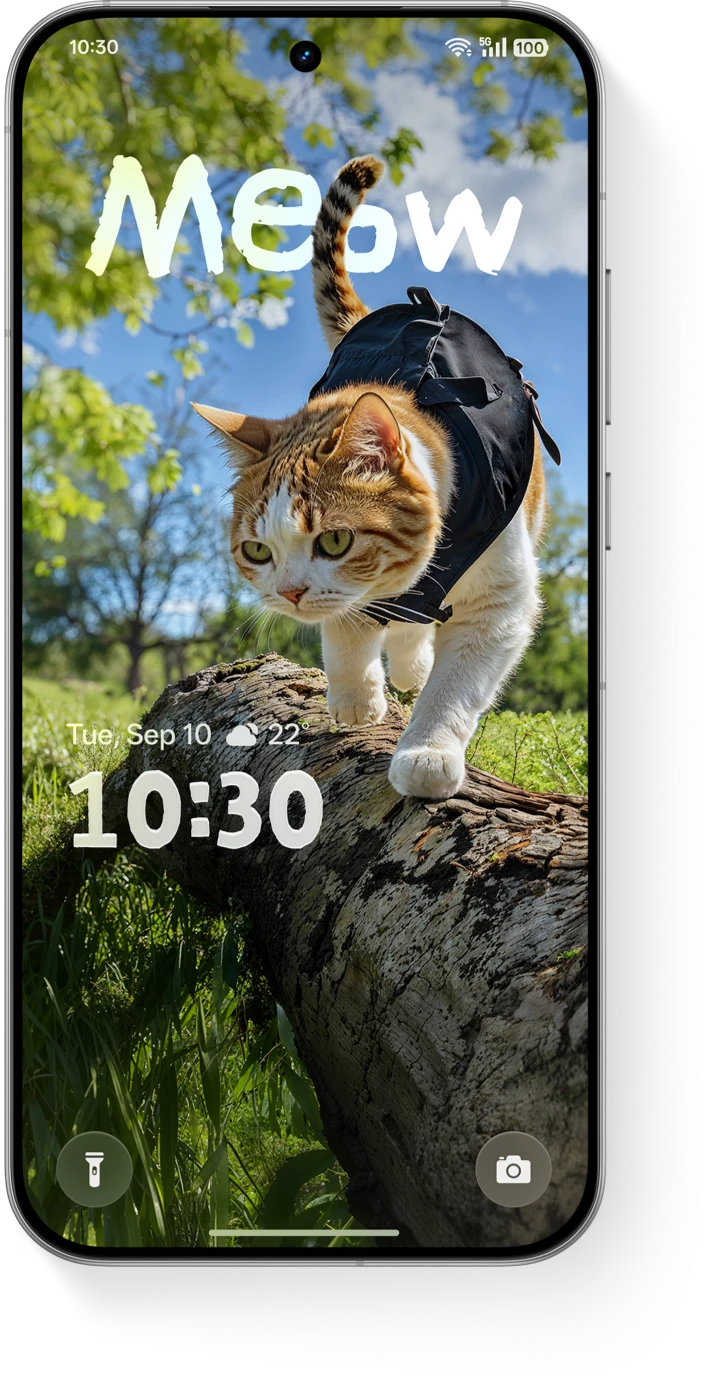
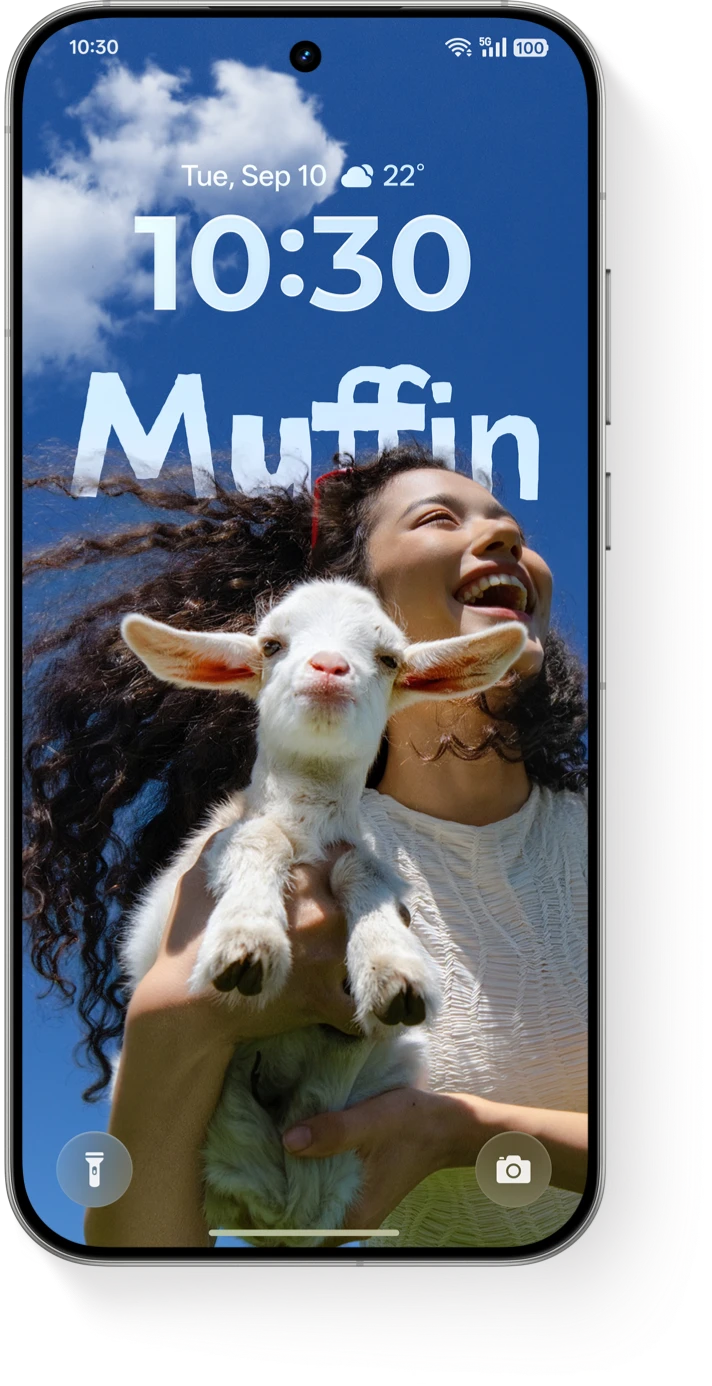
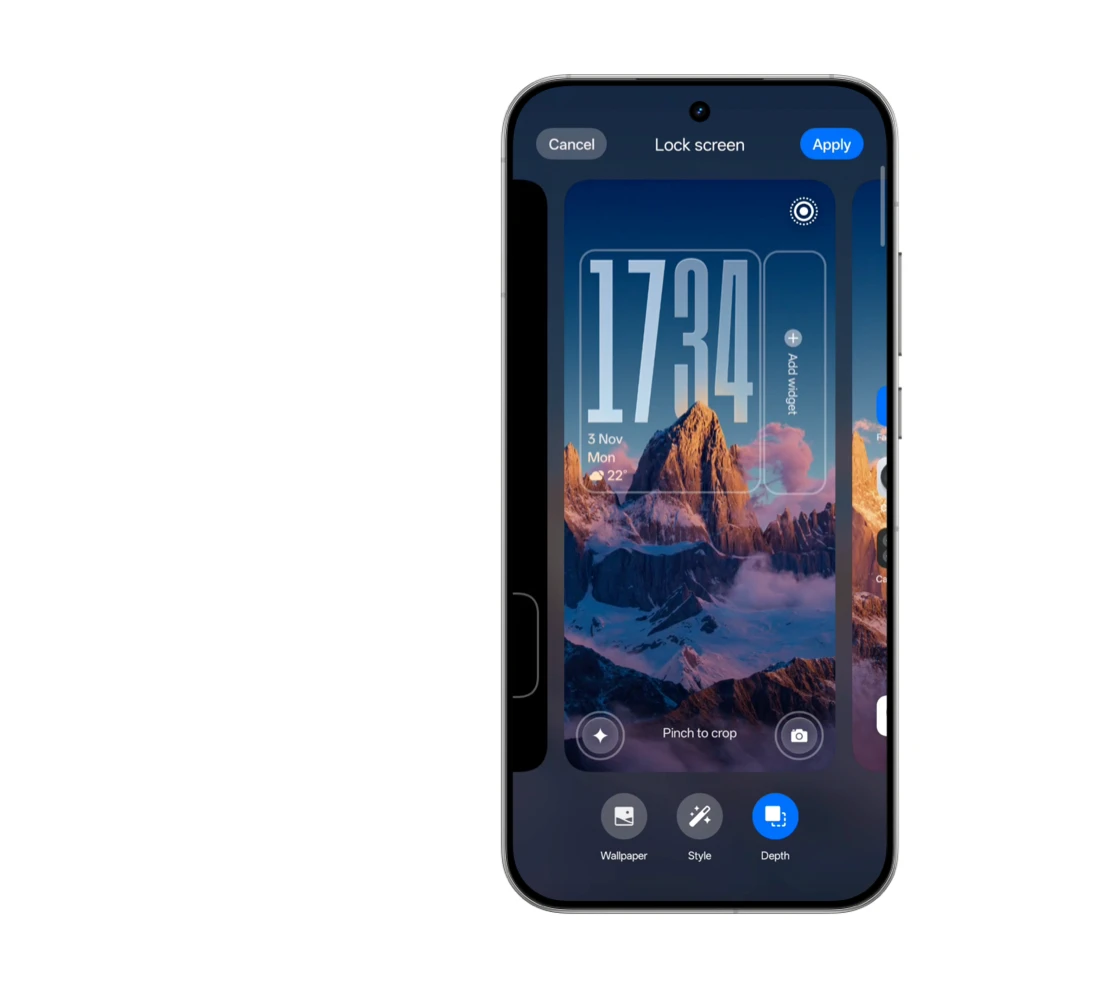
AI Dynamic Depth
Turn your motion photo into a wallpaper with an immersive layered effect. Unlock a touch of delight every time you wake your screen.
Dive into Joy
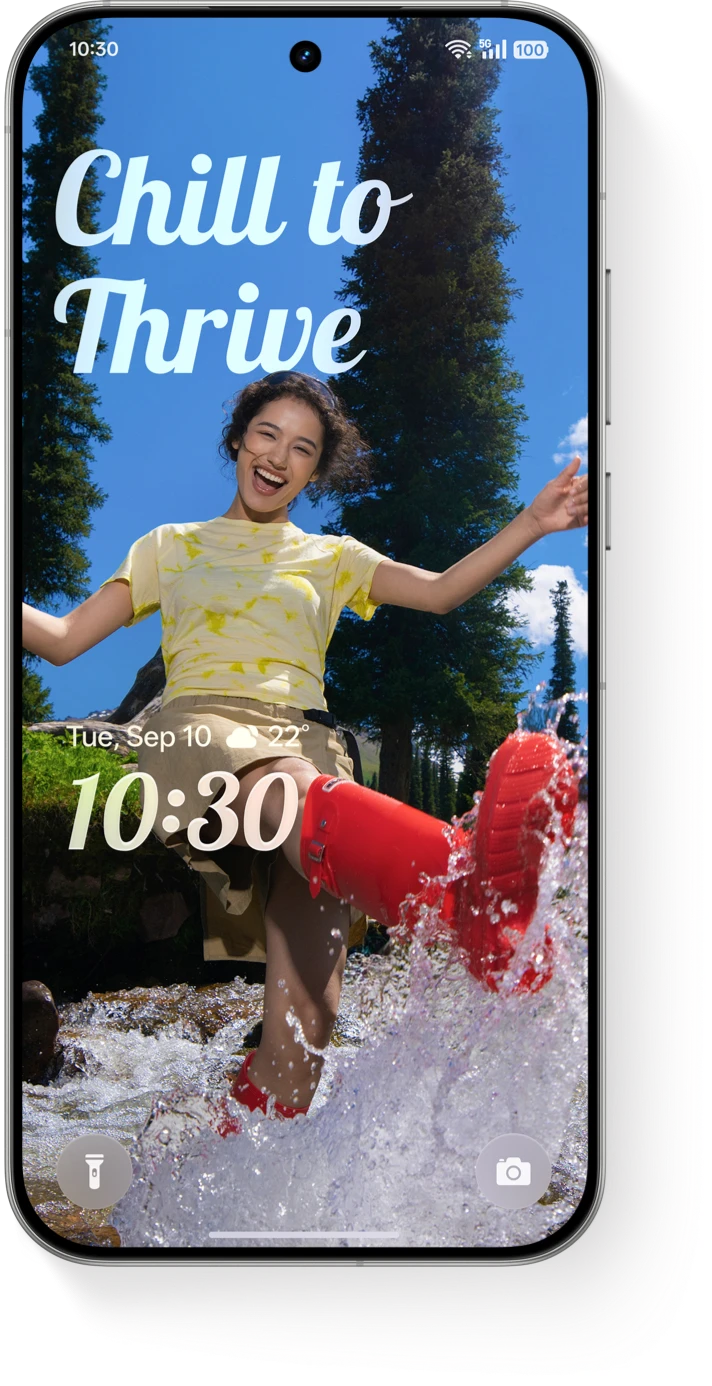
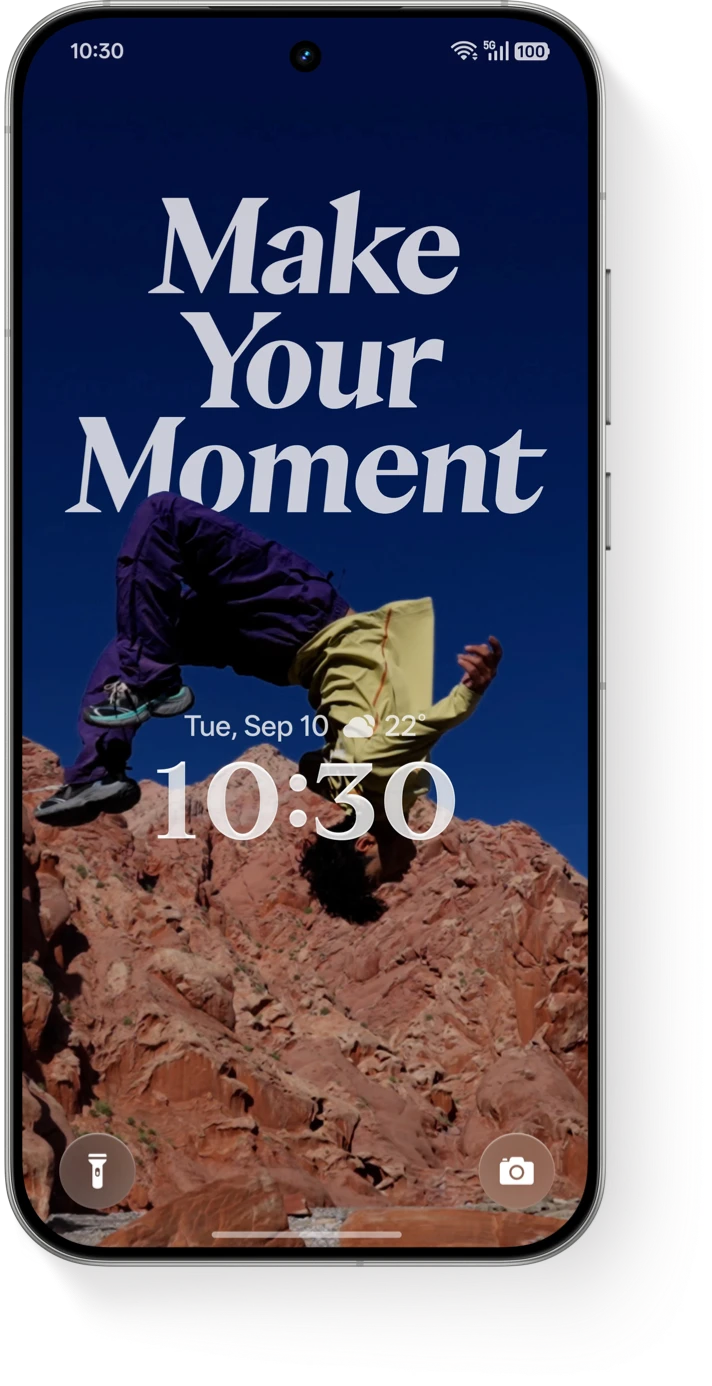
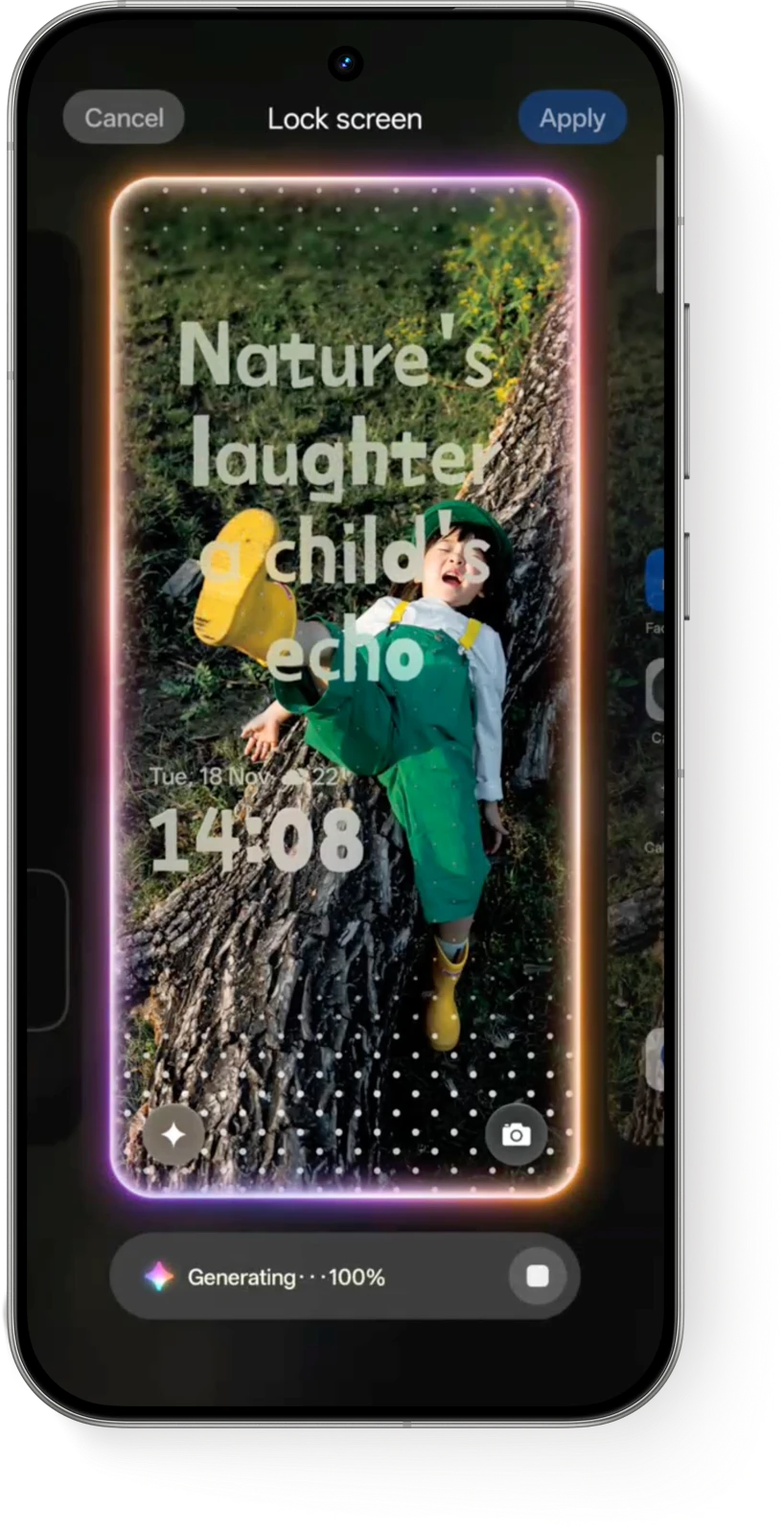
AI Text Generation
One tap generates the perfect caption. Instantly match your wallpaper's style and personalise it with diverse fonts.
Script Your Style
FLUX THEME 2.0
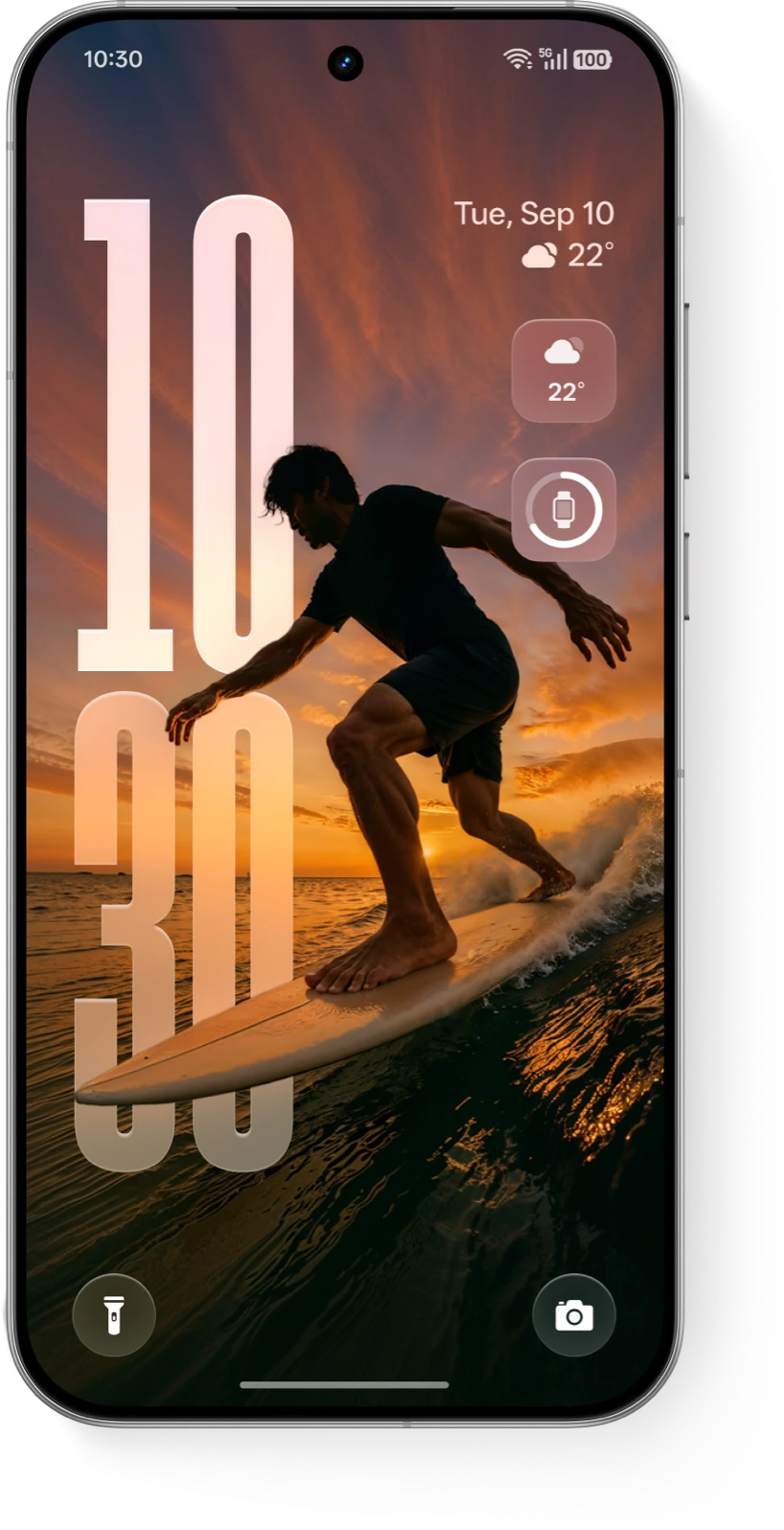
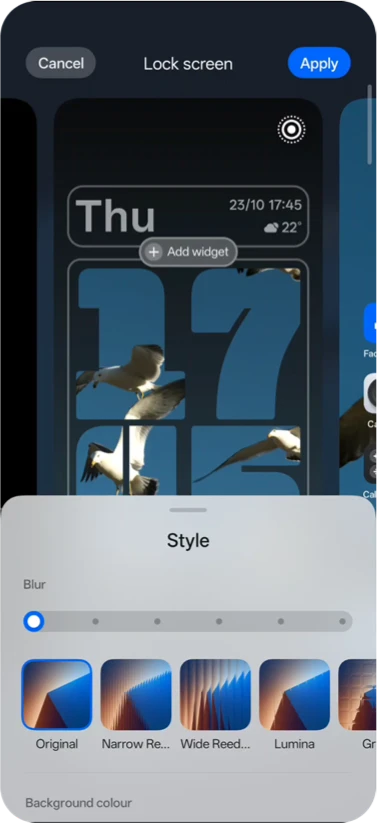
Brand-new Vibrant Lock Screen
Full Screen Always-On Display
FLUX DESKTOP
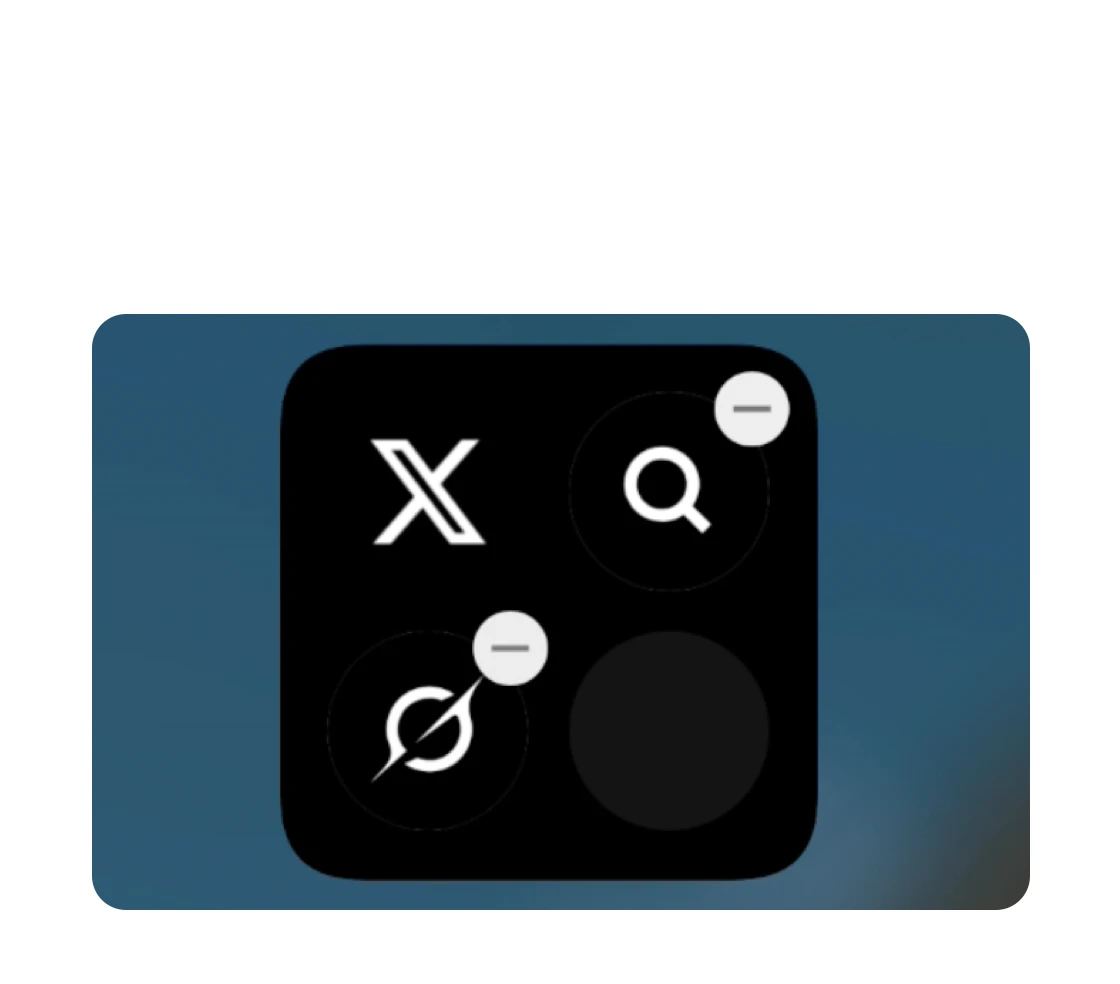
Adjust the color of app icons
Drag to resize
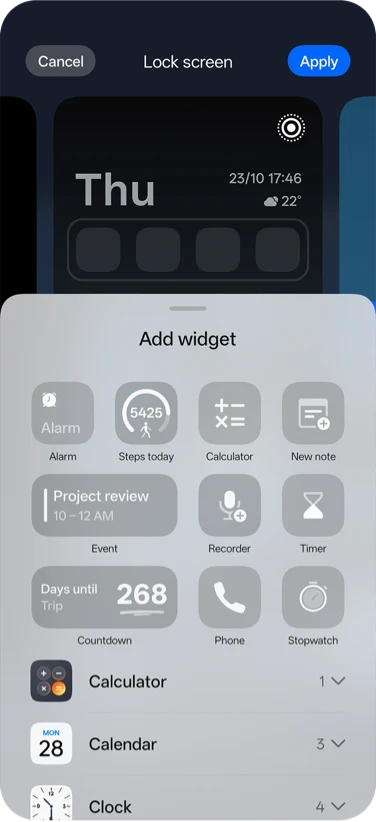
Flux Widget
Lock Screen Styles
FLUX THEME 2.0
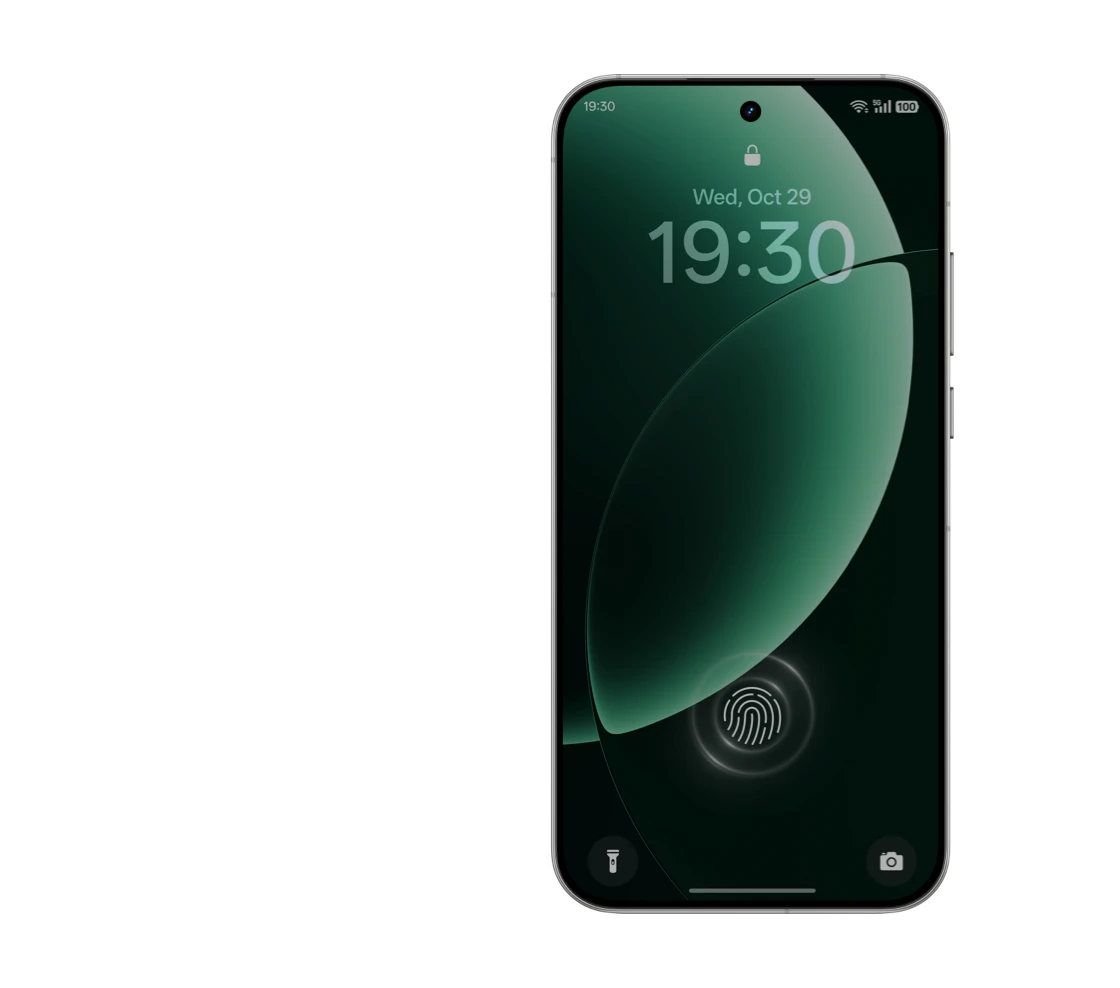
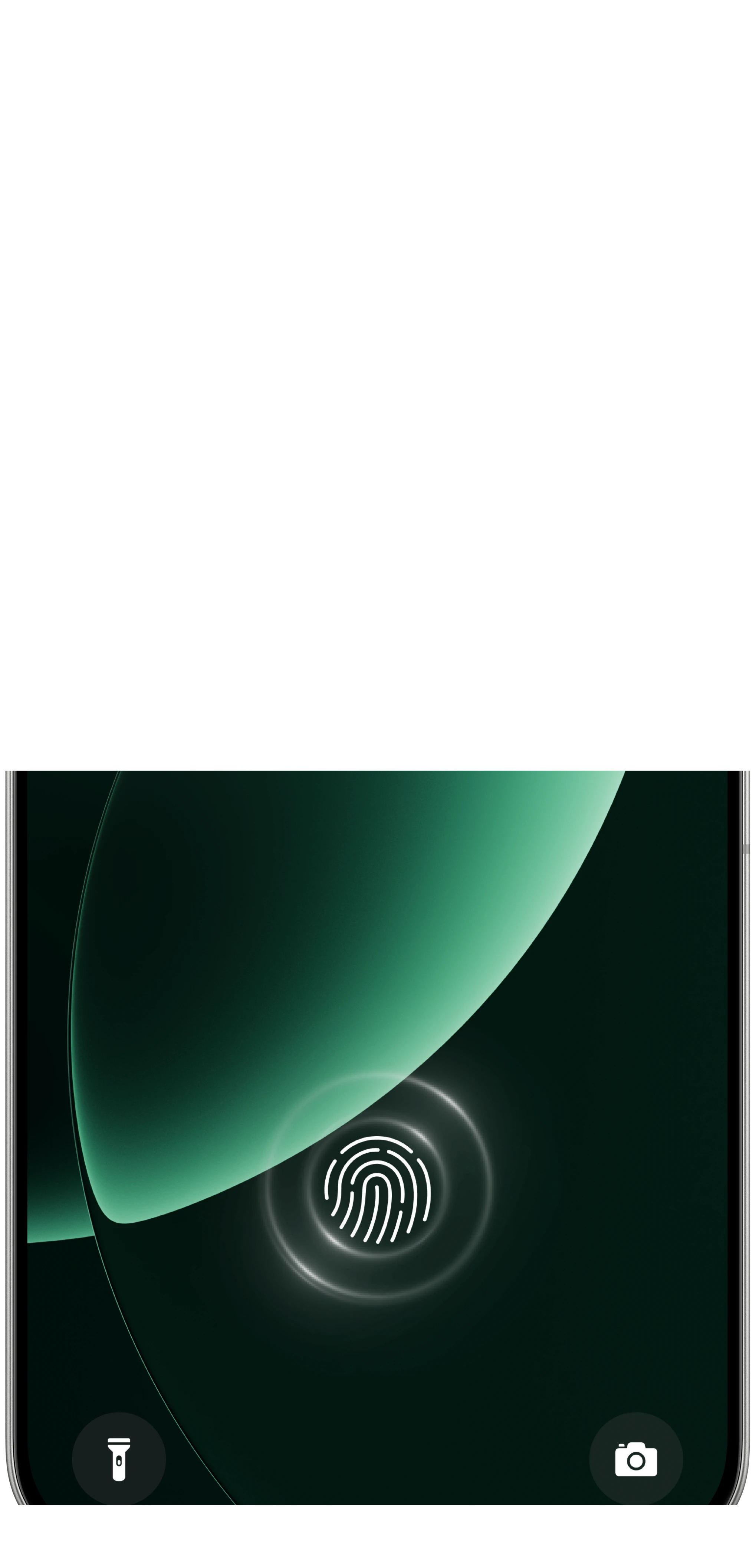
FINGERPRINT ANIMATION
FINGERPRINT ANIMATION
Customize your own fingerprint
From photo to animation
FINGERPRINT ANIMATION
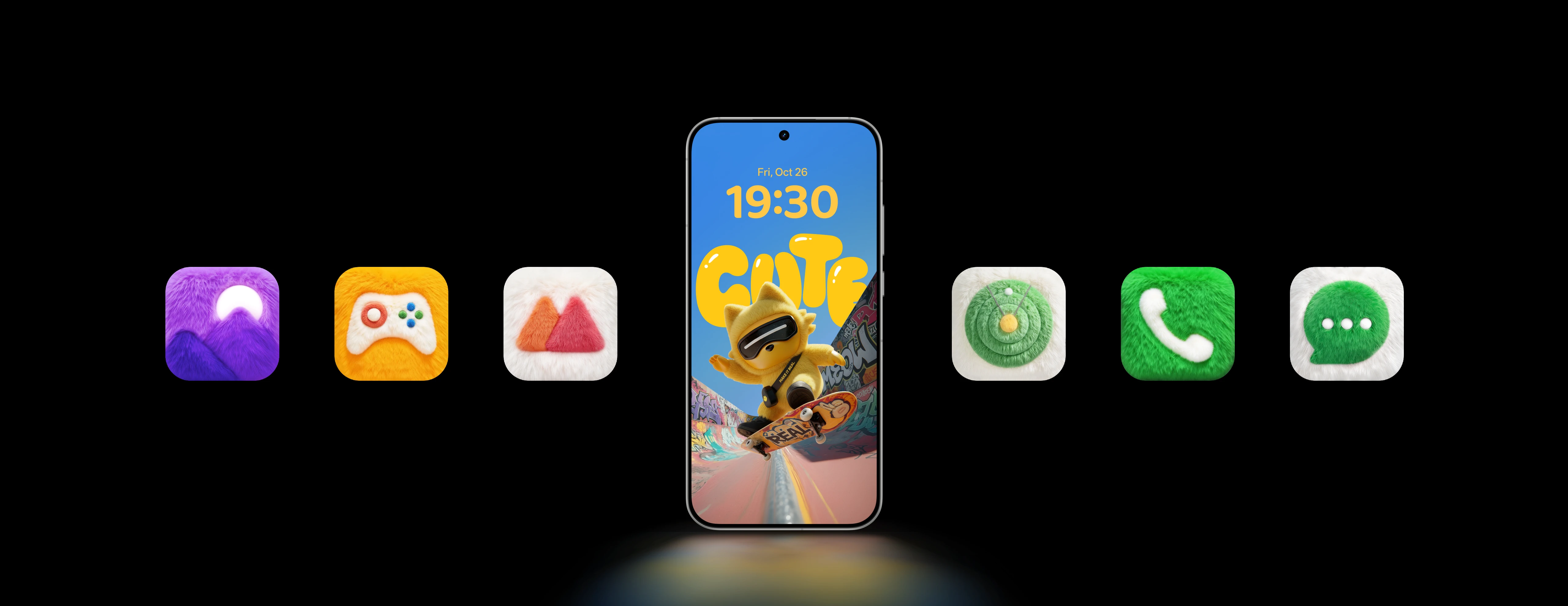
MEOWKUKU THEME & ICONS
POWERING FOR YOUR VIBE
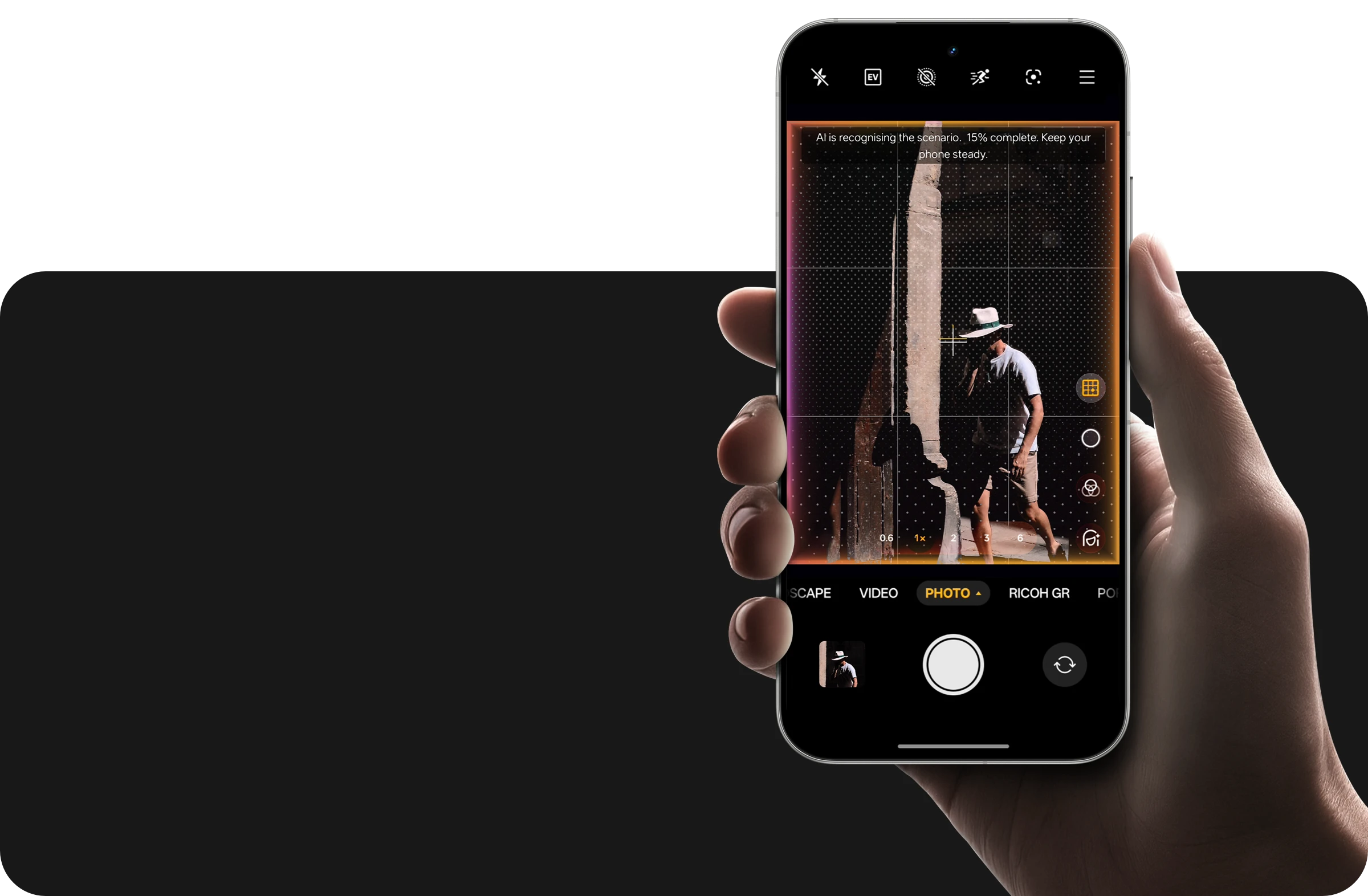
Smart framing and auto-zoom powered by AI. Shoot like a pro, instantly.
AI FRAMING MASTER
AI PORTRAIT GLOW
AIGC-powered photo rescue: Intelligently fixes lighting issues for a truly natural look.
AI-powered portrait lighting
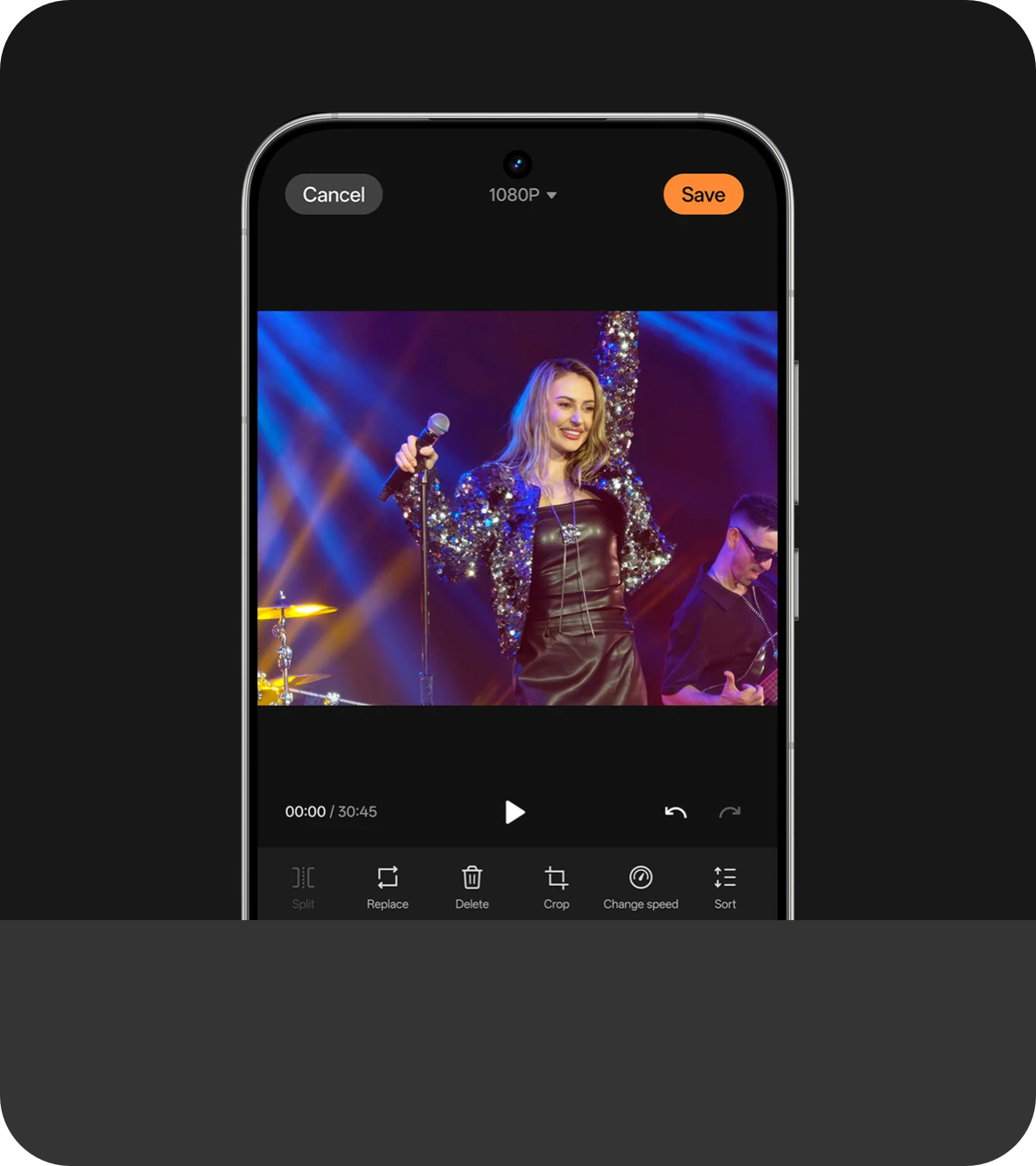
Unlock more ways to create. Elevate your videos with new features like speed adjustment, crop & rotate, and stunning 4K export quality.
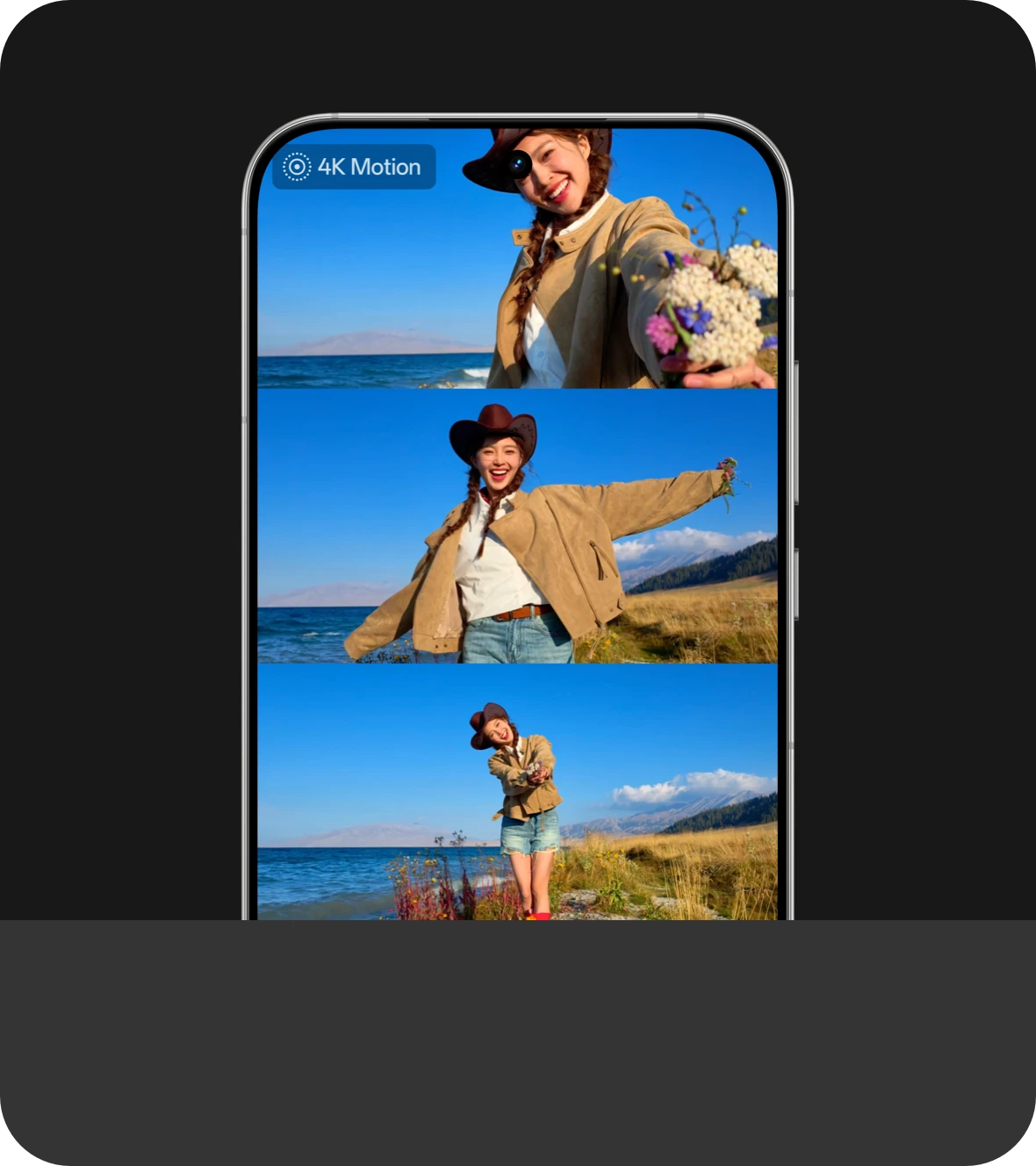
Weave your favourite moments together. Create stunning cinematic collages from your Motion Photos.
TURN MOMENTS INTO MOVIES
YOUR ALL-IN-ONE VIDEO EDITOR
Master Cut
Motion Photo Collage Cut
AI EFFICIENCY
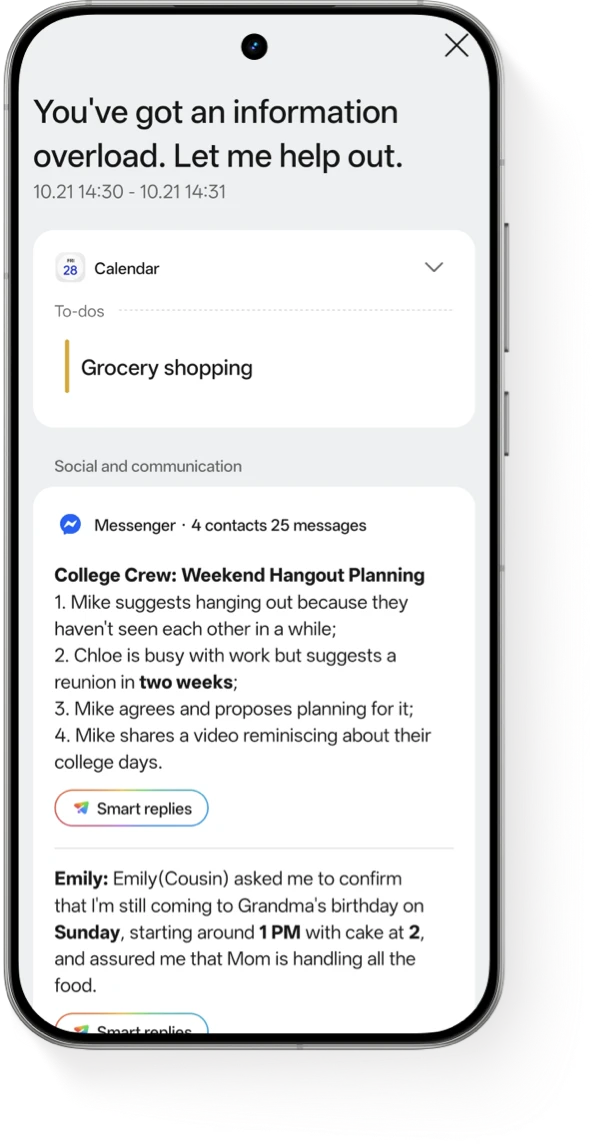
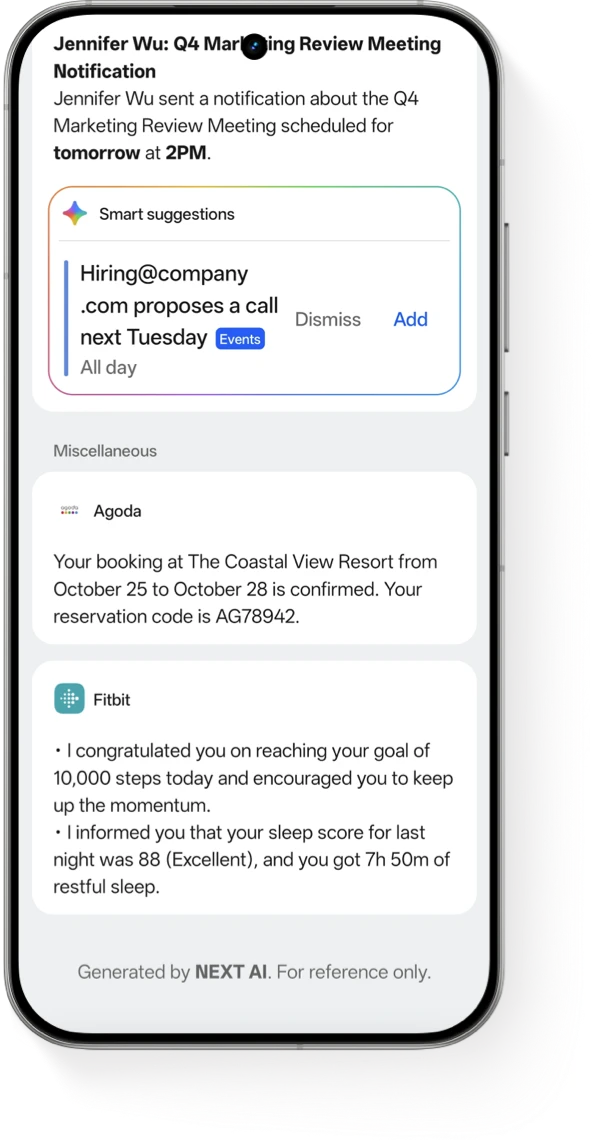
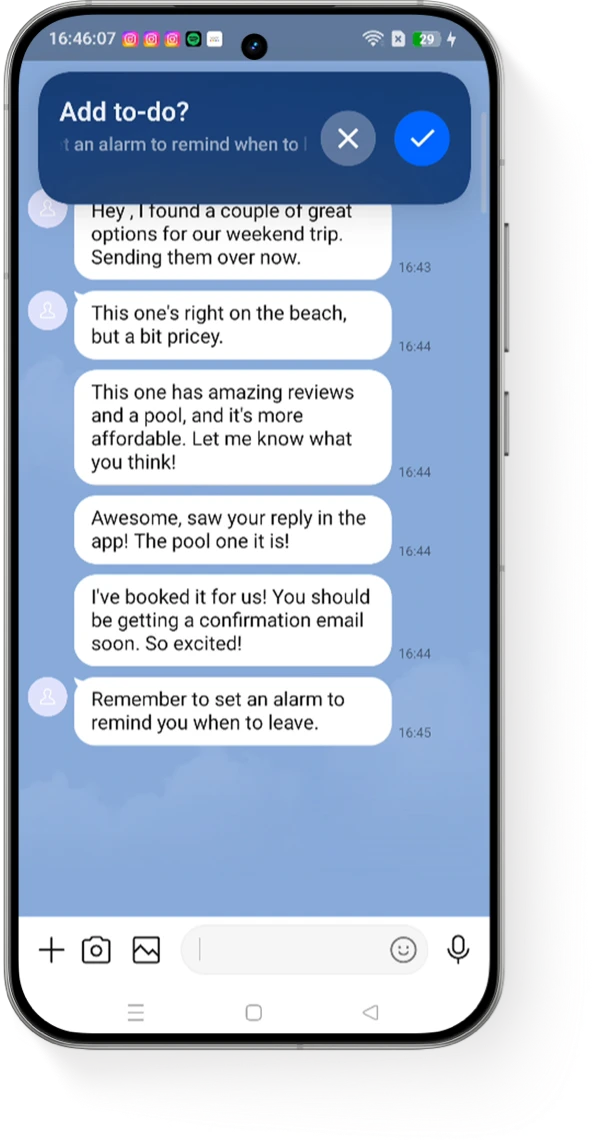
One click to generate all pushes.
AI NOTIFY BRIEF
AI-powered morning & evening brief
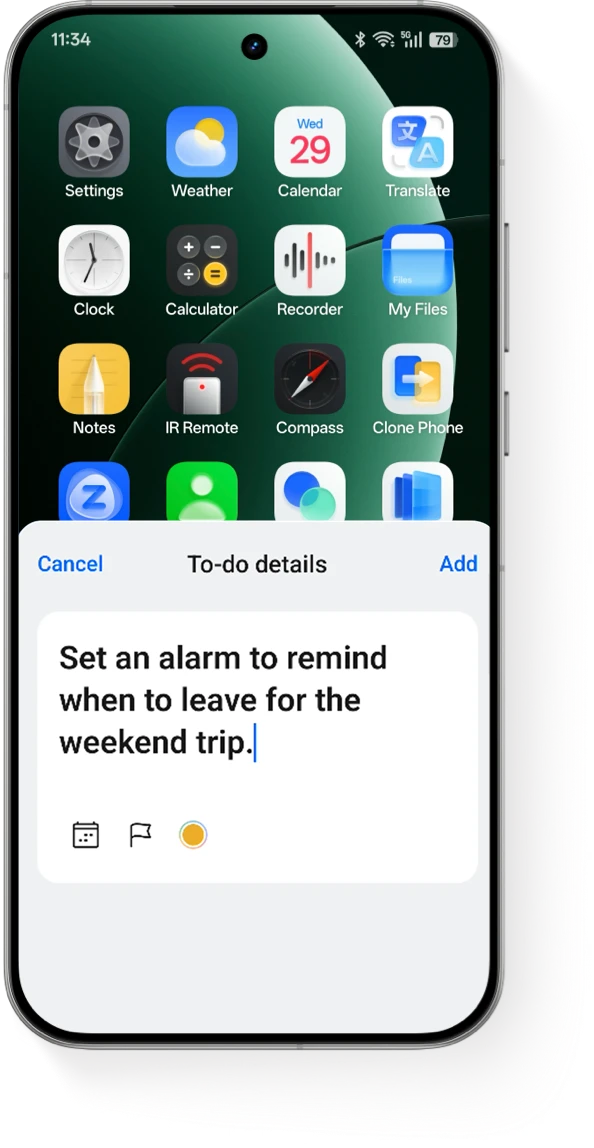
Creates a summary to add todos
AI NOTIFY BRIEF
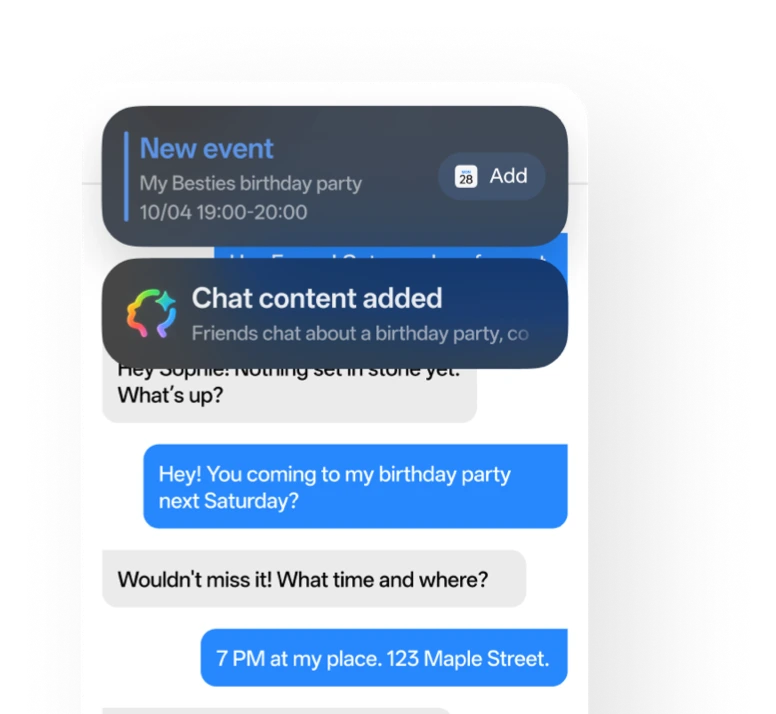
Now supports AI semantic analysis.
Double-tapping the back panel automatically scans the screen, analyzes the to-do items, and reminds you to add them to your schedule.
AI PLANNER
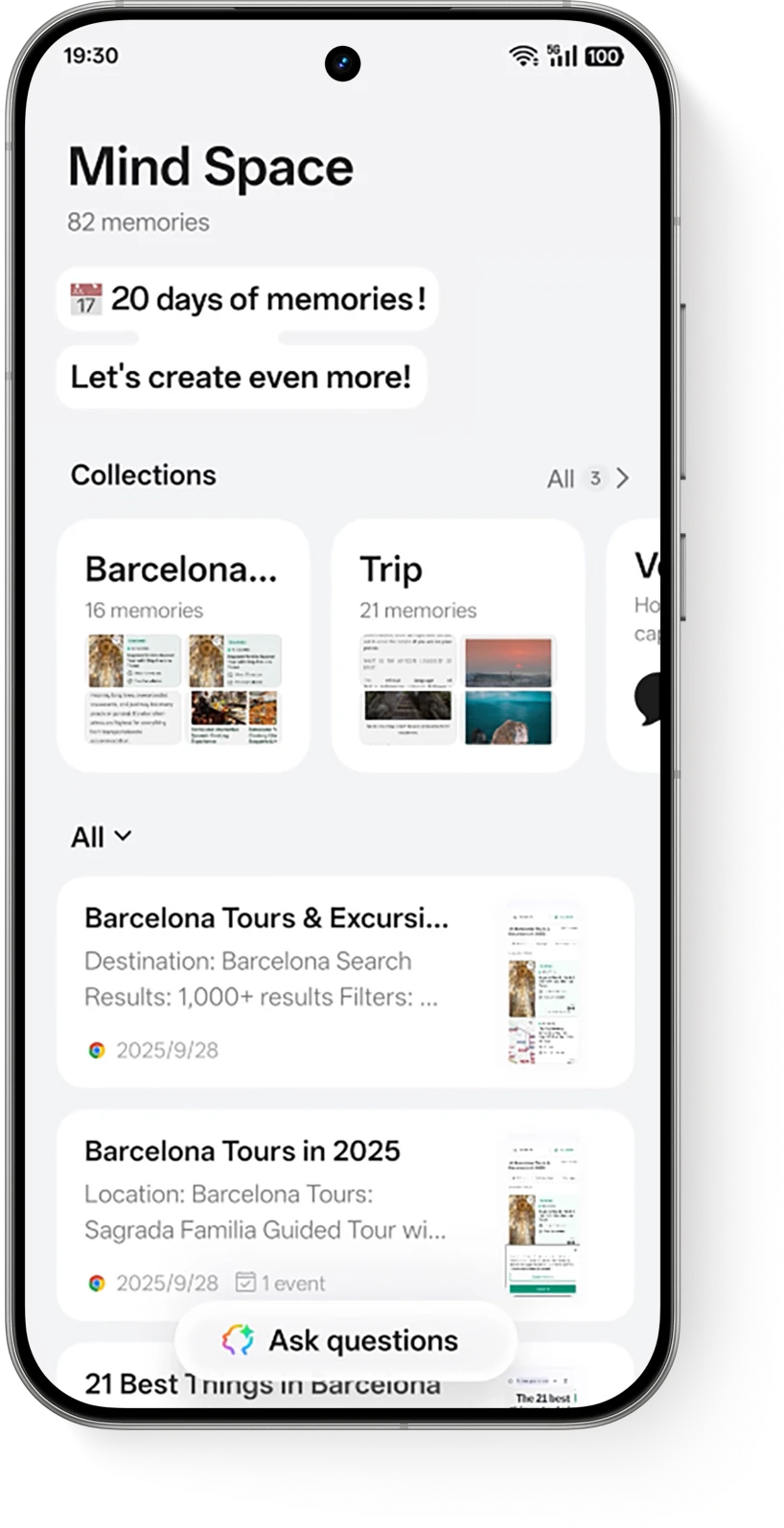
AI MIND SPACE⁴
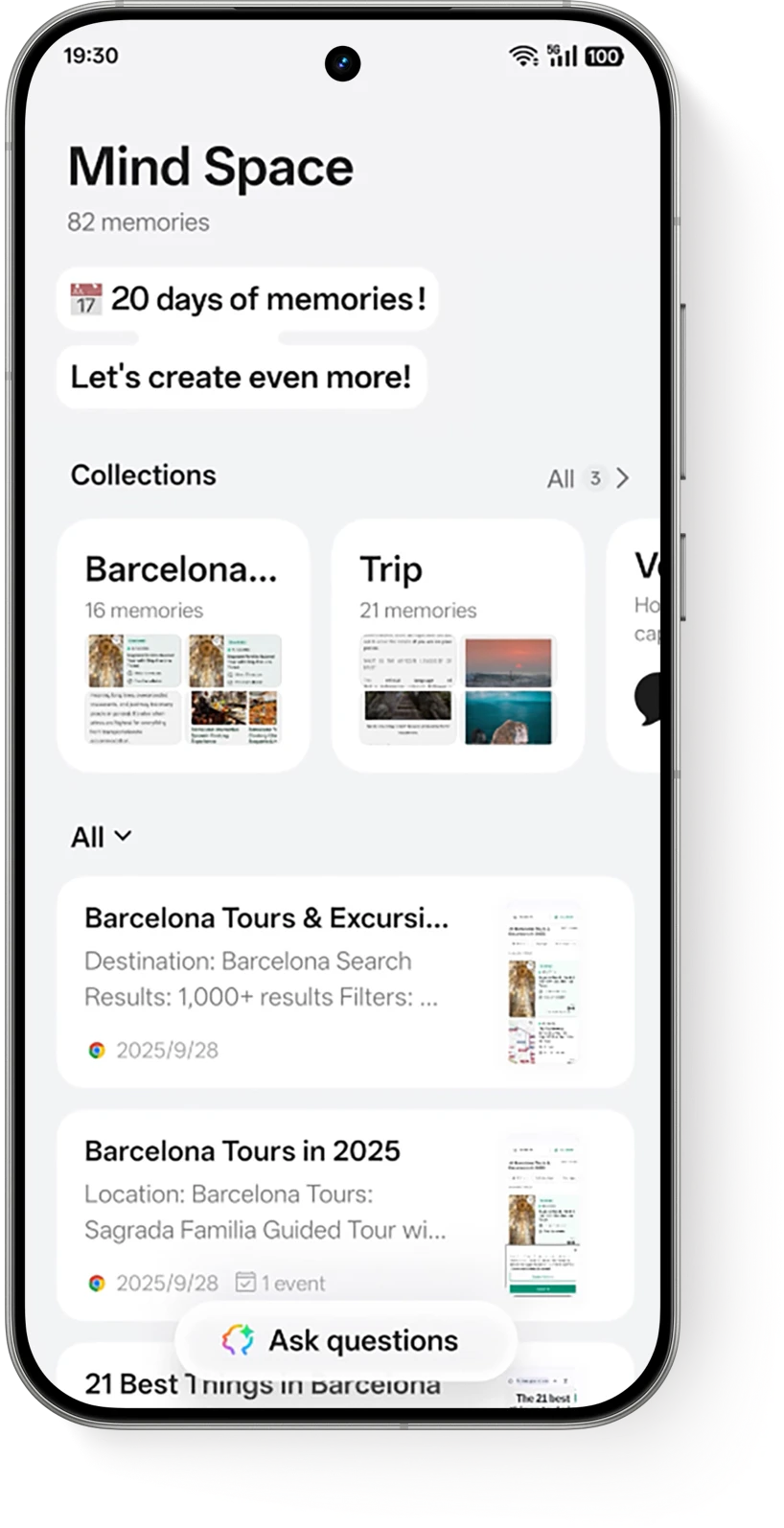
Your AI-powered second brain remembers everything, freeing your mind to focus on what truly matters.
Snap to Mind Space
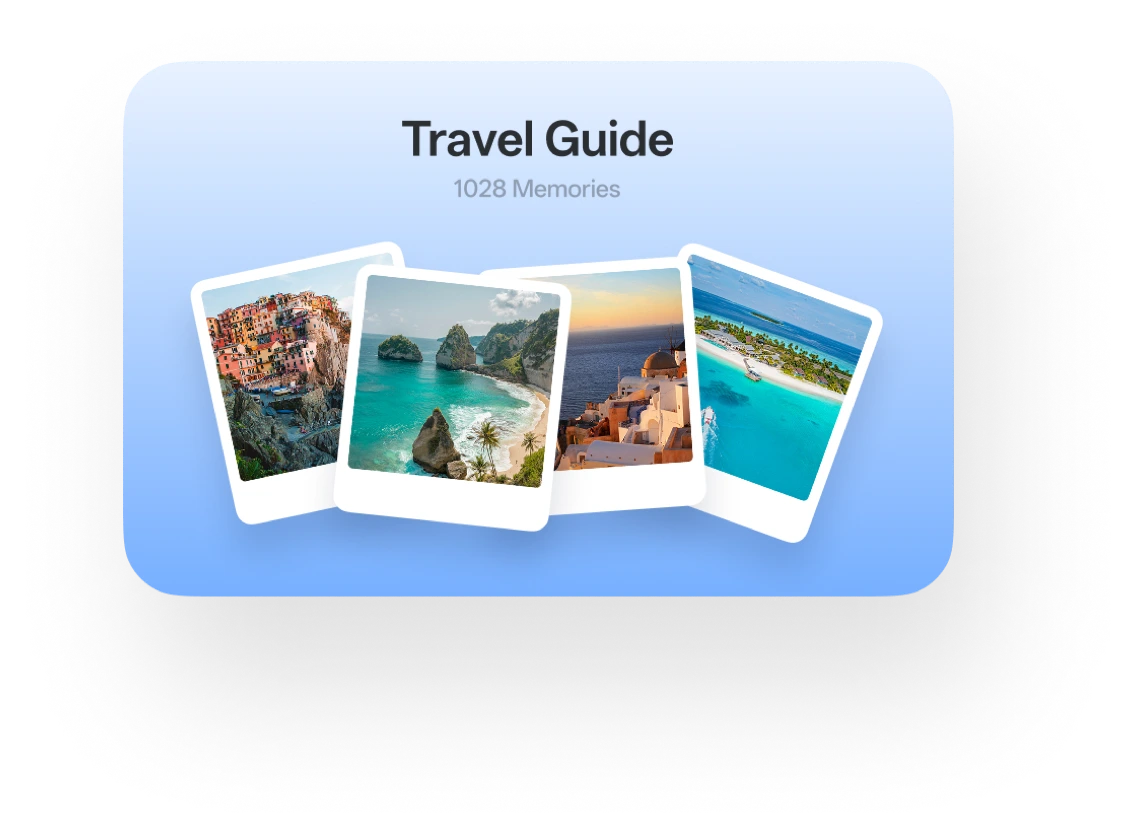
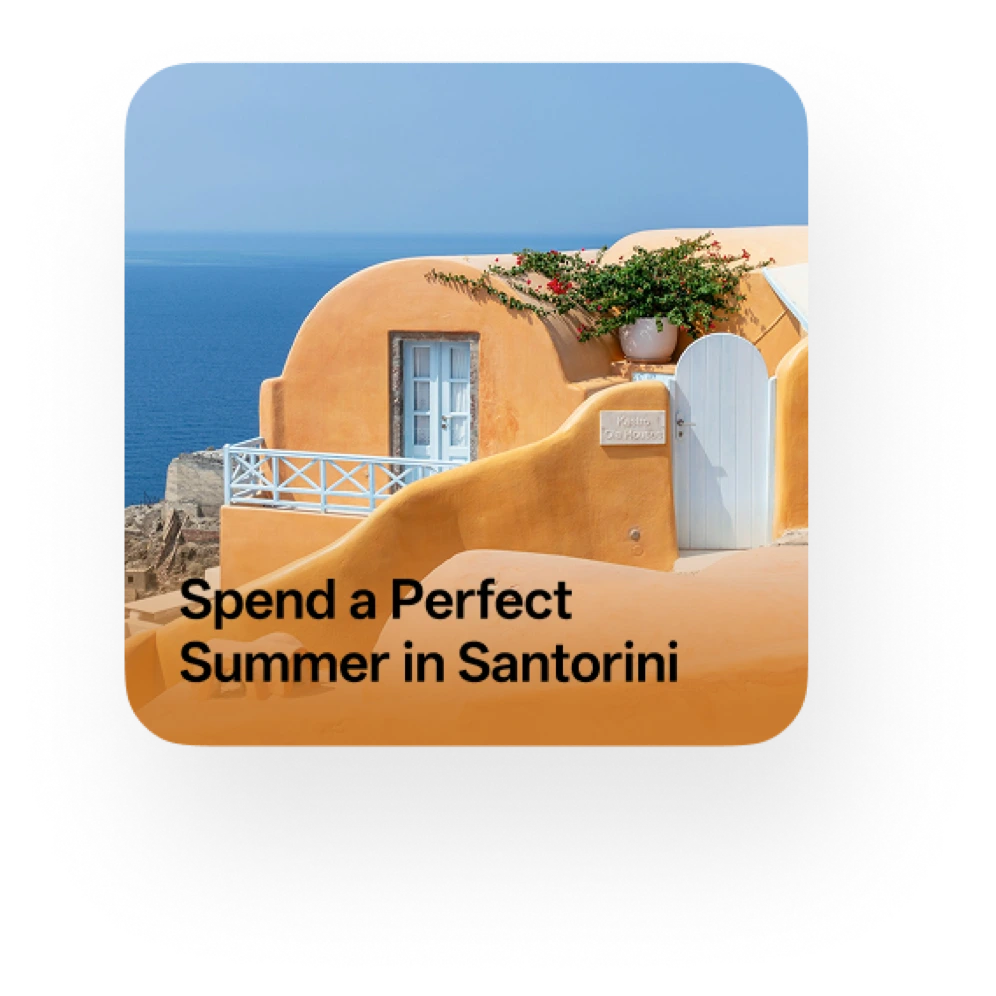
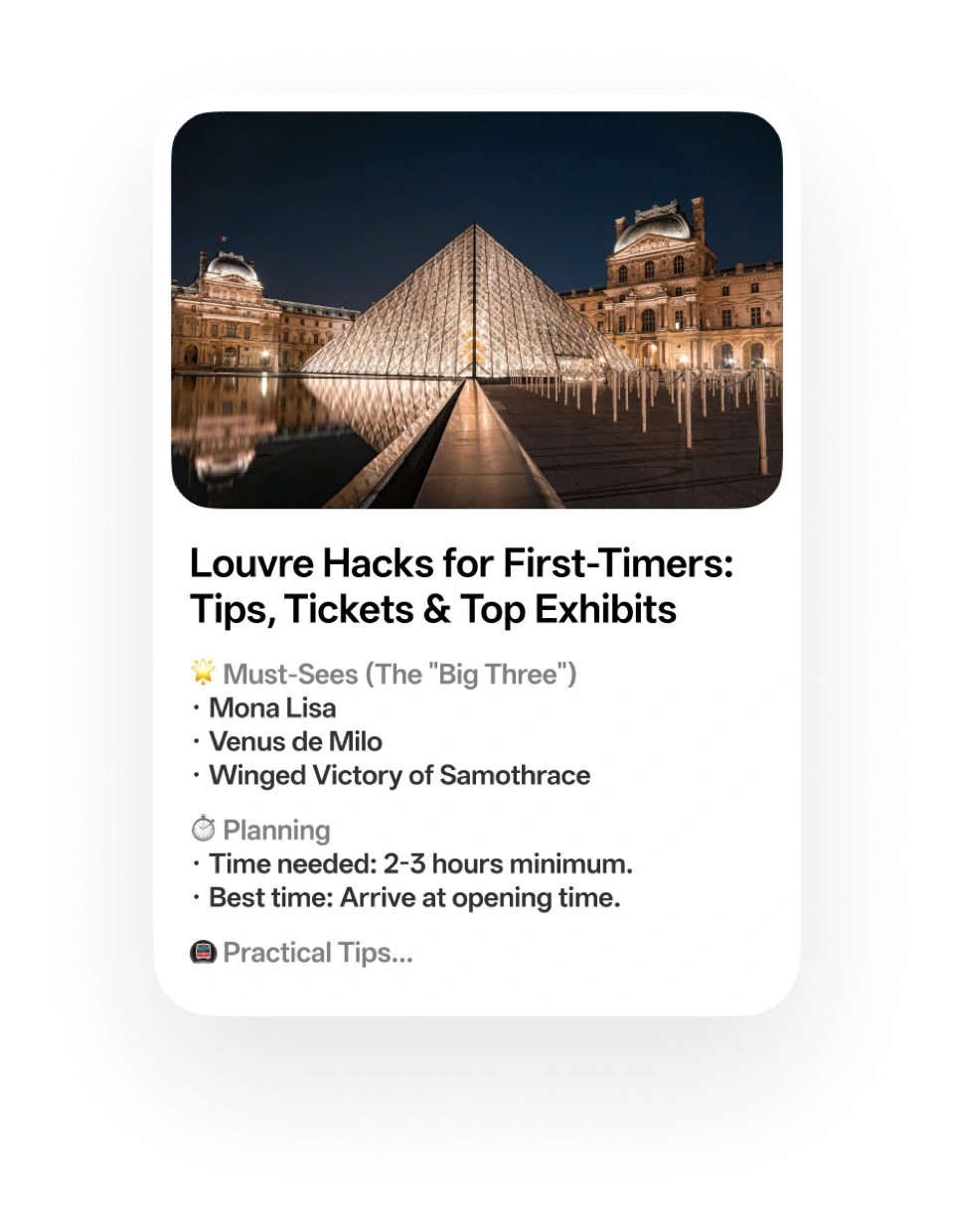
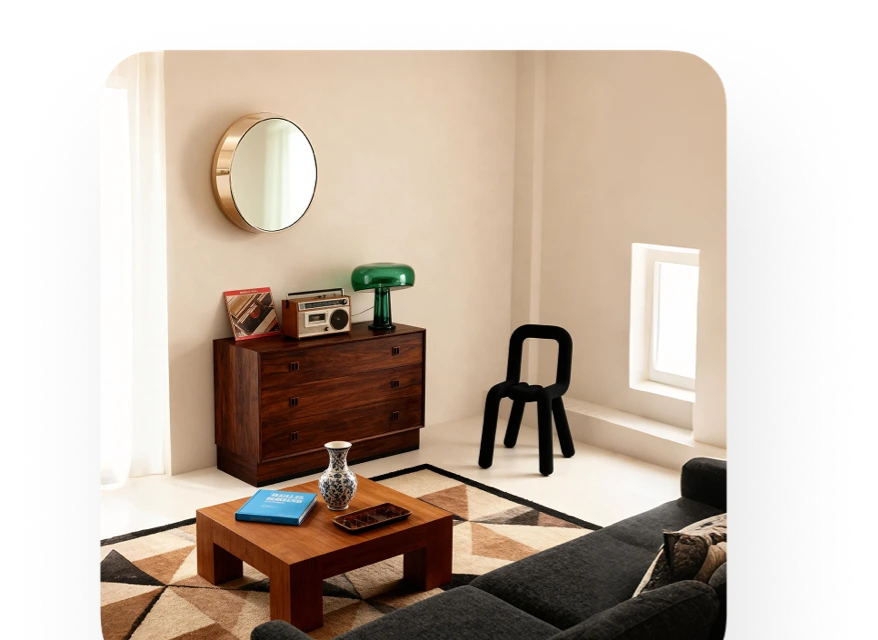
Three fingers swipe up to capture anything—whether it's a voice memo, text, or image. From a quick idea and a concert ticket to detailed travel plans, everything is instantly analysed and saved to your AI Mind Space, ready whenever you need it.
SNAP TO MIND SPACE REMEMBER EVERYTHING
AI Mind Assistant
Your shortcut to answers without the scrolling and searching. Enjoy instant Q&A and tailored suggestions for your journey.
ASK ANYTHING
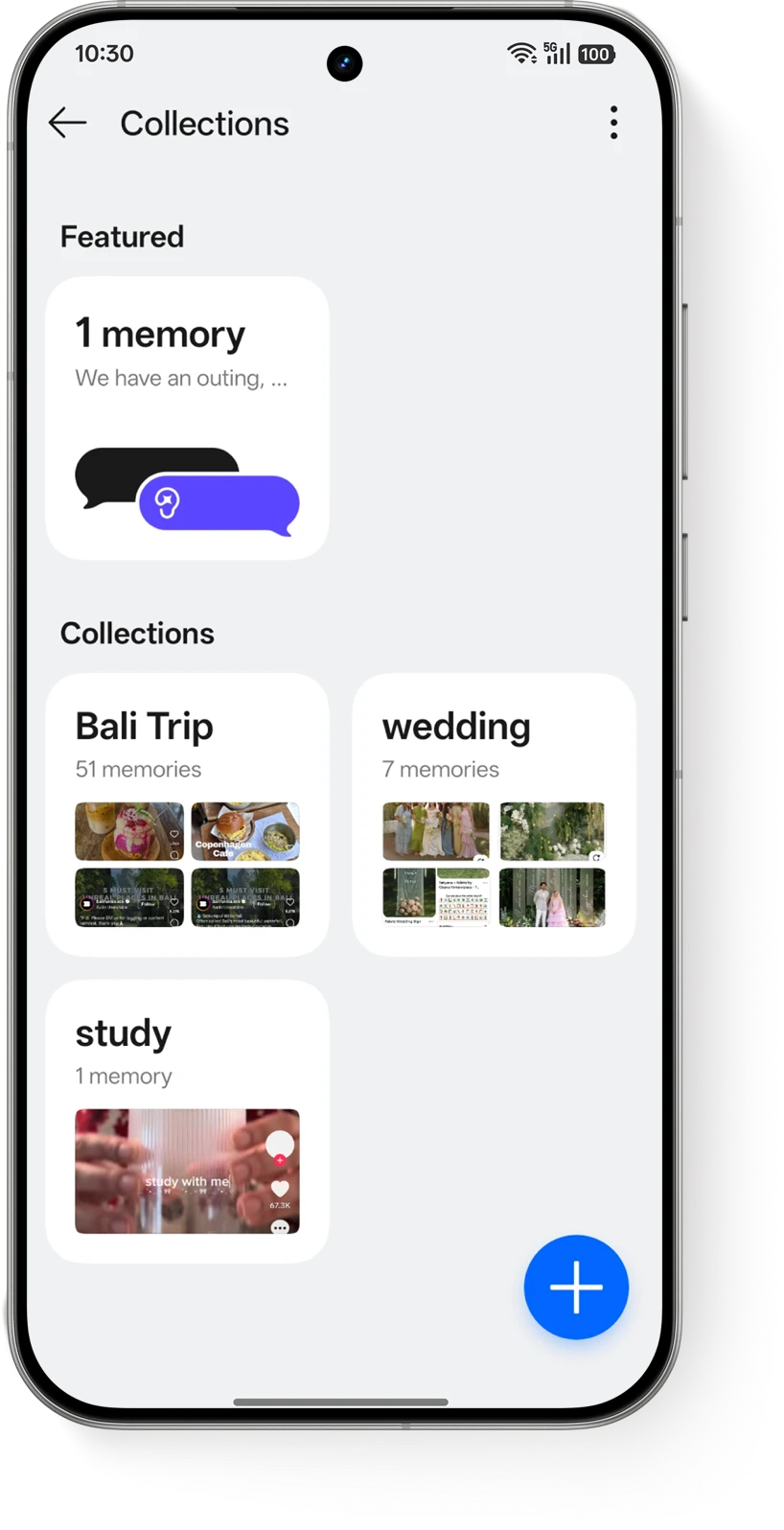
Smart Collections
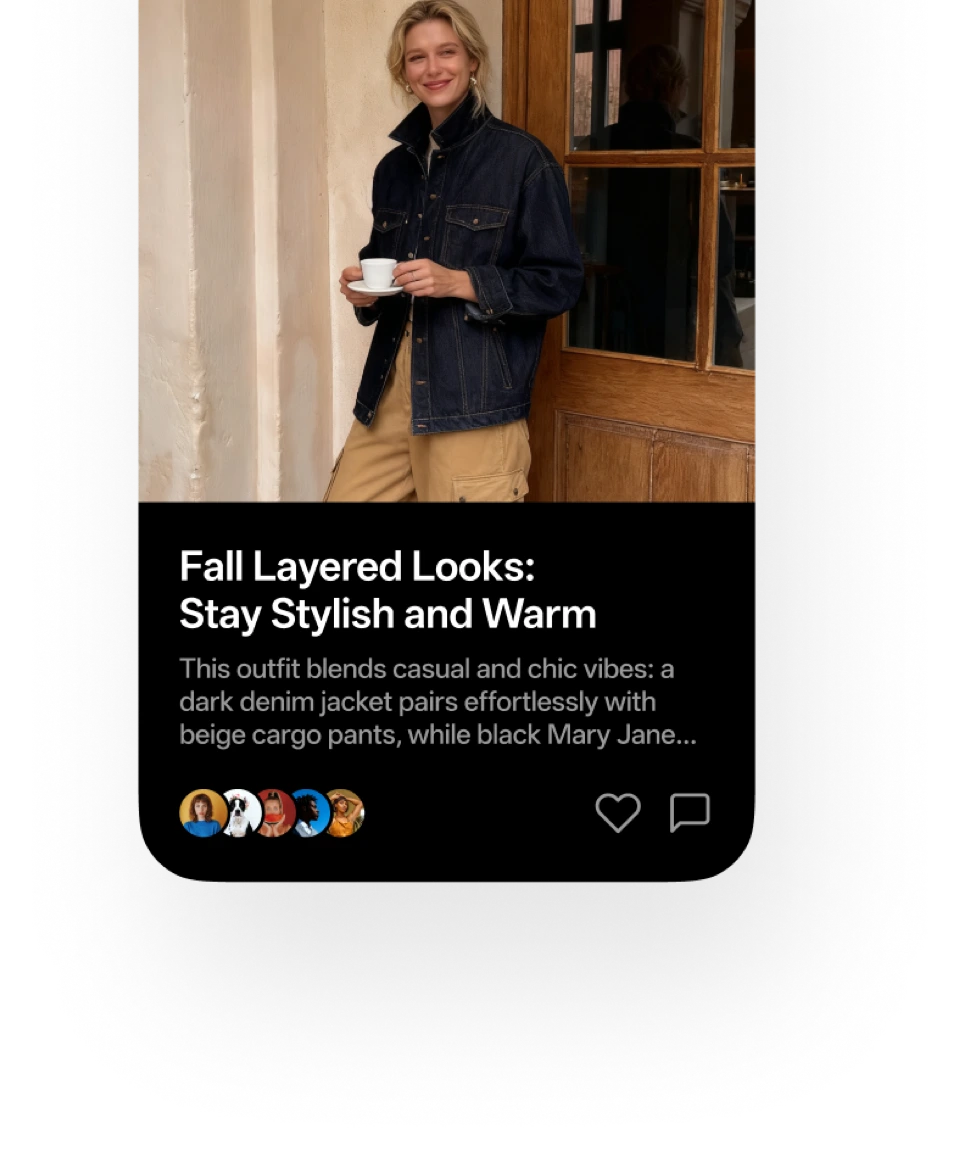
Not just stored, but sorted. Based on the collection name you created, Smart Collections automatically categorises everything you capture, making it structured and instantly accessible.
ORGANIZE EVERYTHING
SWIPE. DRAG. DONE.
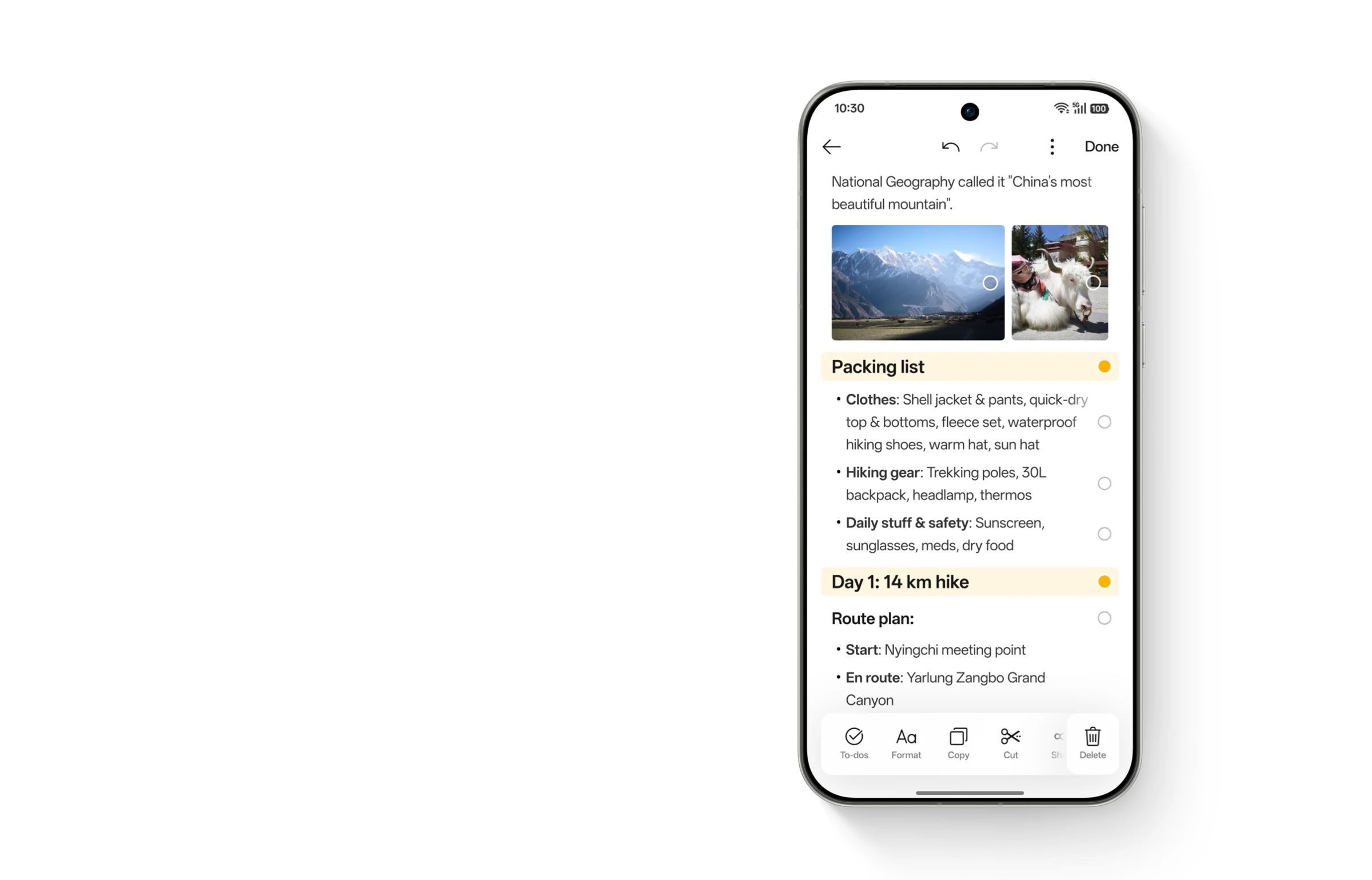
AI Assistant for Notes
Edit with modular flexibility. Swipe any element, such as a title, text, or image, to make it a movable block. Rearrange freely by dragging and batch-format styles just with a tap.
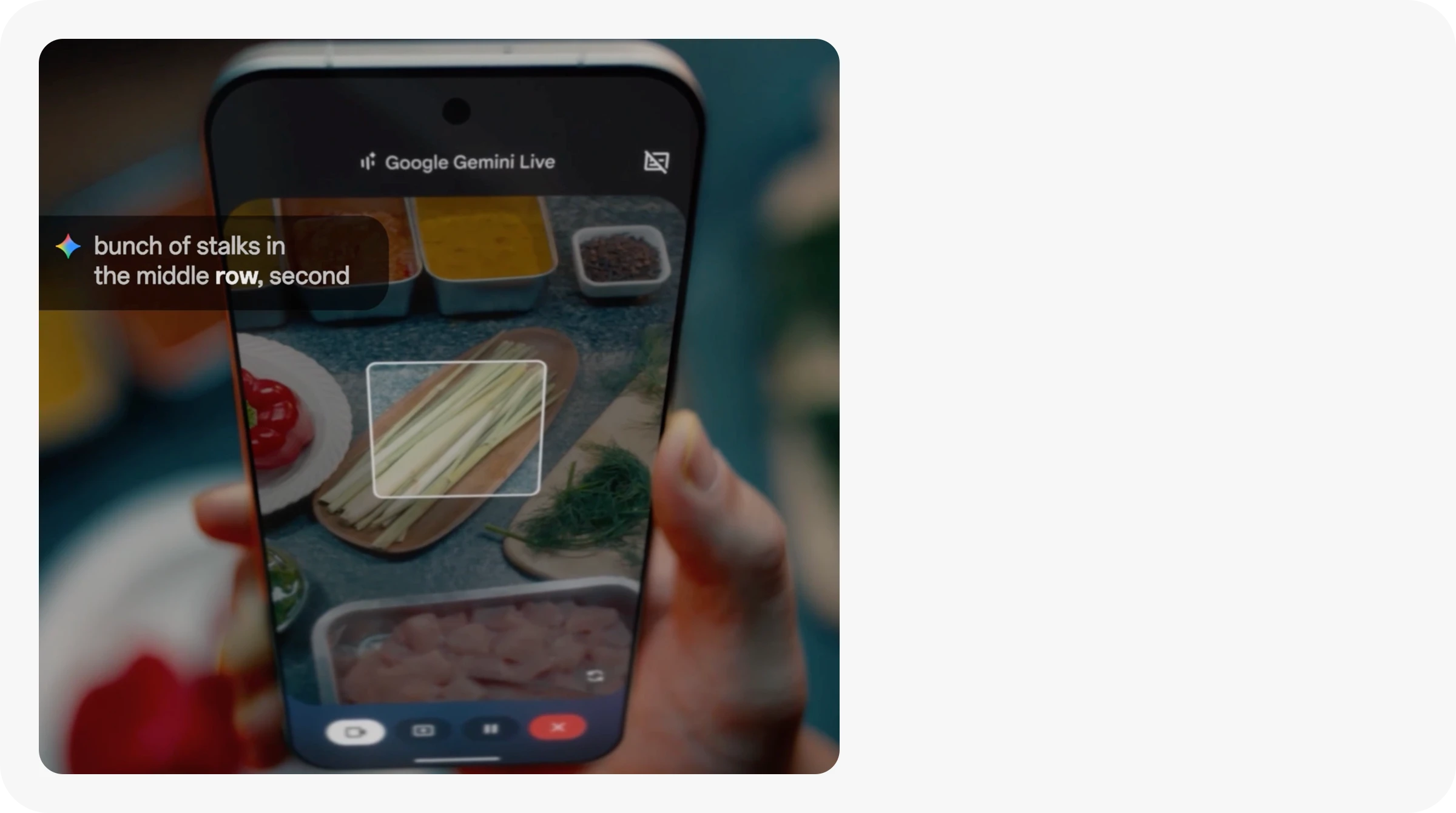
Talk about Anything You See
Share your camera in Gemini Live conversations to talk about anything you see. Get instant explanations, ideas, and answers through a natural conversation.
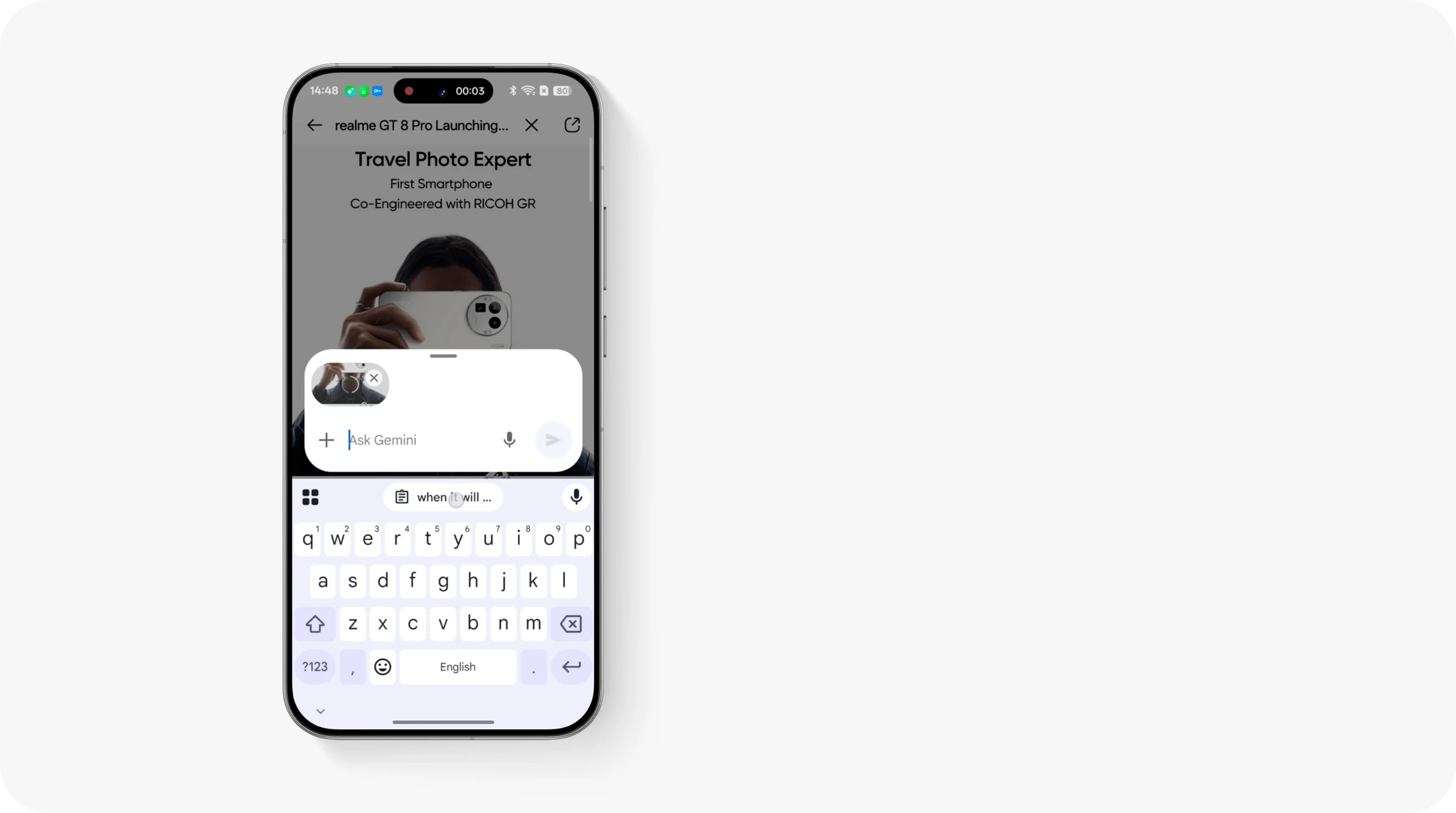
Press, Ask, Get Answers
Stuck between choices? Share your screen in Gemini Live conversations to discuss products in real time, helping you pick the perfect one.
GEMINI LIVE WITH SCREEN SHARE⁵
Reimagine productivity with Google Gemini Live
Google Gemini
AI GAMING
AI Highlight Record
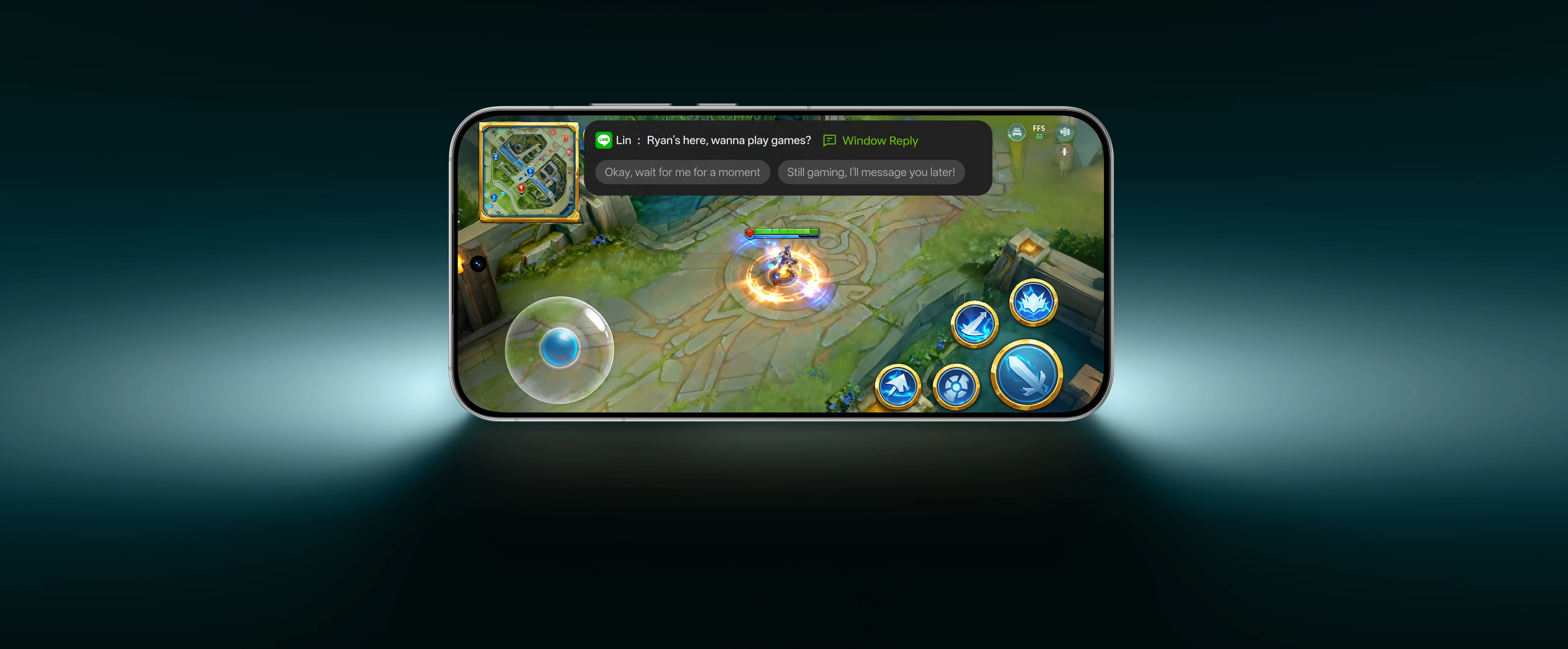
In-game Reply
AI GAMING COACH
* The Al features described on the page may not be included in the software version at launch. In some countries and regions, these Al features will be updated via OTA. Please refer to the features in the actual version. * An Account login may be required to access particular NEXT Al features. * NEXT AI features will vary due to regional laws and cloud-based capabilities of the user's location. You need an internet connection to use AI-related features. * NEXT AI features displayed on the product pages on this website (including but not limited to UI and background) are only to demonstrate the functions. These functions are part of the various software versions and may vary according to the time and place (region) of launch of the different software versions. Please refer to the functions and pages in the actual version. 1. Transfer between realme devices and iPhone/Mac requires the "O+ Connect" app, with software compatibility for realme UI version 7.00 or later and iOS version 15.0/macOS version 10.14 or later. 2. The ability to answer iPhone calls and receive its messages on a realme device is restricted to devices with the pre-installed Odialer. Please refer to the actual experience. 3. The data comes from the realme laboratory comparing realme UI 7.0. Actual experience may vary due to differences in software and hardware optimization, network conditions, and personal habits. Please refer to the actual experience. 4. The range of content and languages supported by AI Mind Space vary due to different software versions and regions. Please refer to actual experience. 5. Google and Gemini are trademarks of Google LLC. Sequence shortened and simulated. Check responses. Setup required. Compatibility and availability varies. 18+. 6. Users must enable this feature to utilize it. Feature availability and actual results vary by region and situation; this feature cannot guarantee 100% effectiveness, so users need to protect their belongings. 7. Please refer to the actual experience for device models and application service types supported by Live Alerts. Part of the product/service information is provided by third parties. realme does not warrant the authenticity, accuracy, and completeness of any information, content, advertisement and promotion (hereinafter referred to as "Information") provided by third parties, unless otherwise specified by laws and regulations. Such Information may include links to third-party websites, products and services.
Remark: